Why FAQ Sections Matter More Than Ever in 2026
You've probably seen those expandable question sections at the bottom of web pages and thought, "do those actually do anything?" The short answer is yes — and in 2026, they matter more than ever.
Search has changed dramatically. Google's AI Overviews now pull direct answers from pages, Bing surfaces expandable Q&A results, and tools like ChatGPT and Perplexity cite structured content when answering user questions. Pages with clear, structured FAQ content are being cited, featured, and visited more than pages that bury their answers in long paragraphs.
Key Insight: A well-built FAQ section doesn't just answer questions — it signals content quality to AI systems and search engines simultaneously, making it one of the highest-ROI on-page SEO investments available in 2026.
Here's what a well-built FAQ section can do for your site:
- Appear in Google's People Also Ask boxes, which show up on more than 40% of search results pages.
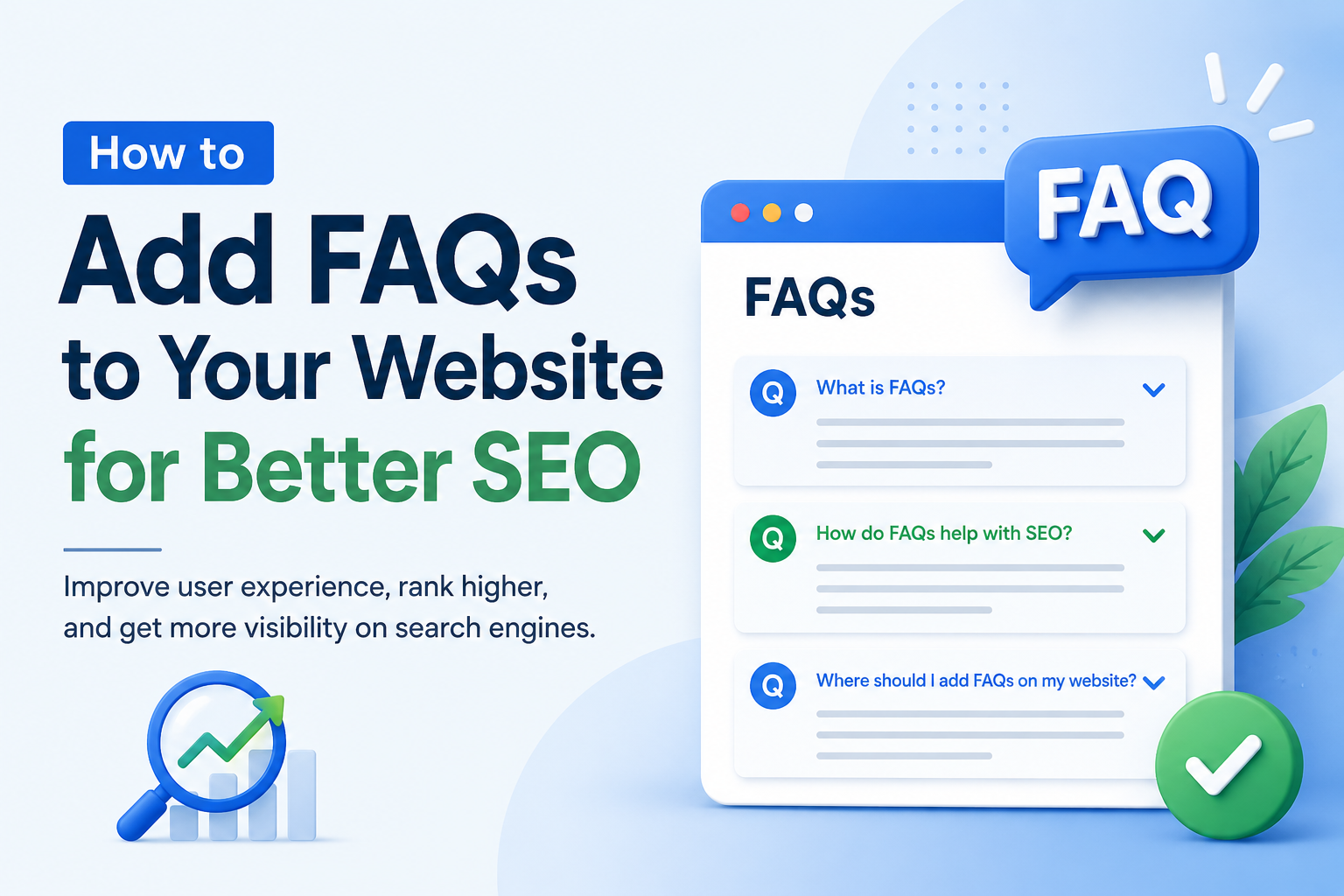
- Qualify for FAQ rich snippets — expandable Q&A displayed directly under your listing in search results.
- Get cited by AI Overviews — Google's AI pulls answers from pages that format information cleanly.
- Improve time-on-page — users who find their question answered stay longer and bounce less.
Pro Tip: You need both visible FAQ content and the right structured data markup behind it. Visible content satisfies users; schema markup signals intent to search engines.
What Is FAQ Schema and Why Does It Matter?
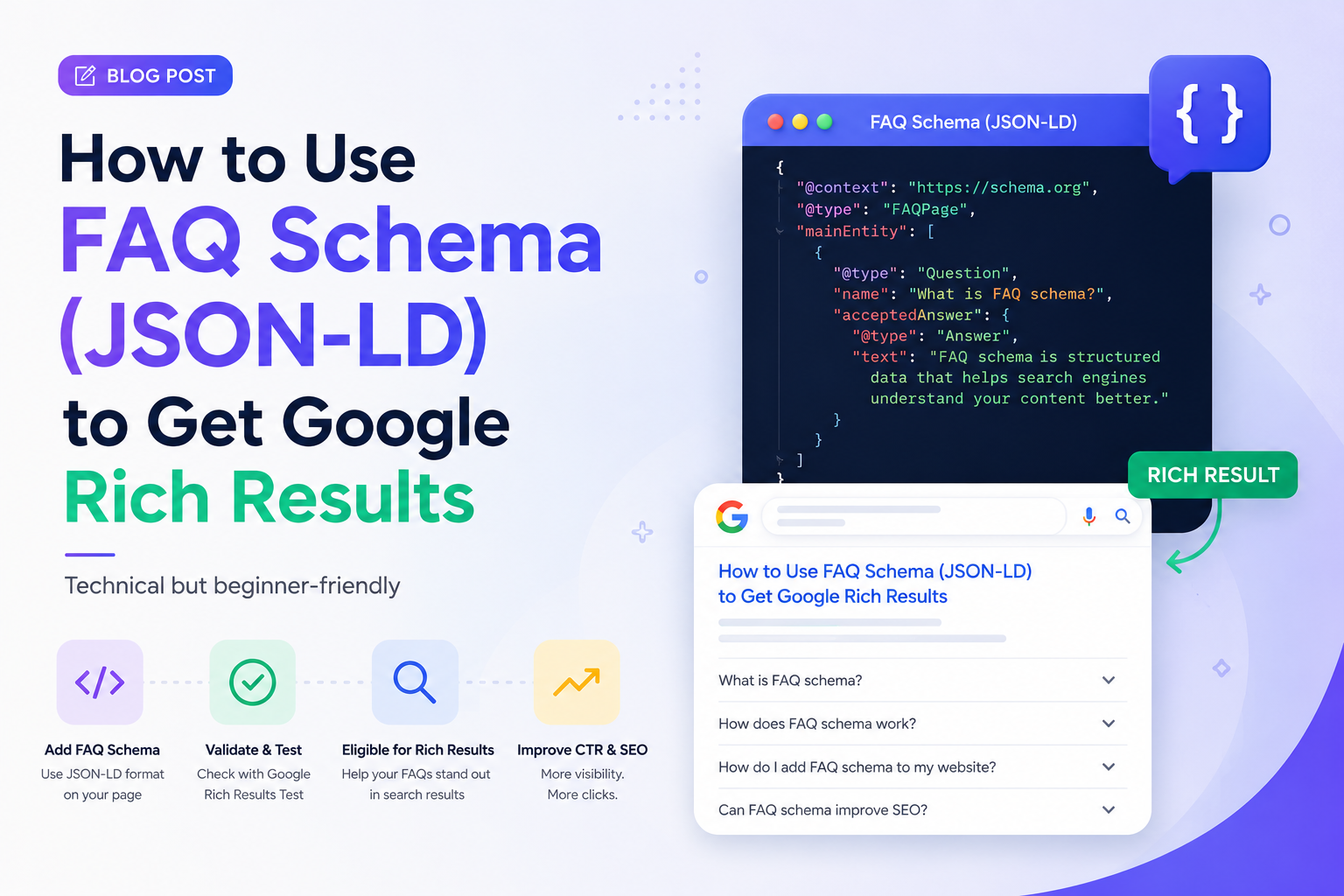
FAQ schema (technically called FAQPage schema) is a type of structured data you add to your page's code. It tells search engines: "This section contains questions and answers — here's the structured version."
When Google reads this markup correctly, it can display your FAQs as expandable snippets directly in search results, giving your listing significantly more screen real estate than a regular blue link.
Even when rich snippets aren't triggered (Google has been selective about this since 2023), FAQ schema still provides value:
- Bing still displays FAQ rich results for all websites.
- AI systems like ChatGPT and Perplexity parse structured data to source answers.
- Clean structured data signals content quality to search engines.
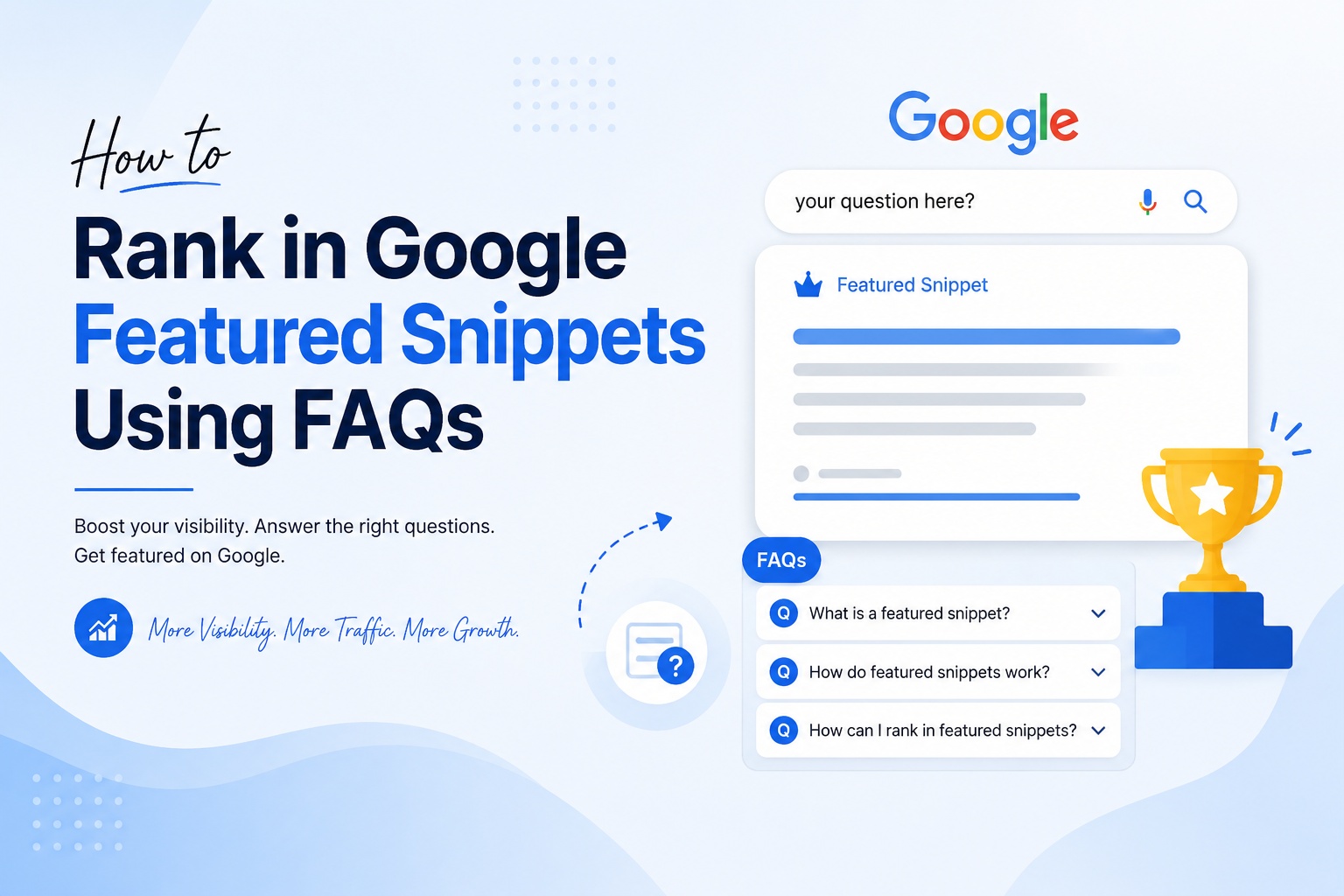
- Well-organized FAQ content is more likely to be pulled as a featured snippet.
Pro Tip: Think of FAQ schema as insurance — it costs nothing to add, and the upside is real search visibility across both traditional and AI-powered search platforms.
Step 1 — Write (or Generate) Your FAQ Content
Before you touch any code, you need the actual questions and answers. There are two approaches: writing manually or using an AI tool.
Writing FAQs Manually
Manual FAQs work well if you already know your audience's questions deeply. Pull questions from these sources:
- Your support inbox or chat logs
- Comments on your blog posts
- Google's "People Also Ask" boxes when you search your main keyword
- Social media threads in your niche
- Sales call objections
Keep answers short, direct, and written for humans — not for keyword density. A good FAQ answer is two to four sentences. Longer than that and you're writing a blog post, not an FAQ.
Using an AI FAQ Generator
If you're adding FAQ sections to 20 product pages at once, writing manually gets tedious fast. This is where AI tools save real time.
GeoTools' free FAQ Generator takes a different approach from most tools. Instead of requiring you to manually type questions and answers, you paste any URL and it reads your page content automatically, then generates relevant FAQs based on what's actually on that page — no account, no credit card required.
Key Insight: Most free FAQ schema generators (like Saijo George's tool, CommonNinja, or DefiniteSEO's generator) require you to write the questions yourself — they only handle the JSON-LD part. GeoTools handles both question generation and schema-ready output from a single URL.
Step 2 — Place Your FAQs on the Right Pages
Not every page needs an FAQ section. The ones that benefit most are pages where users have specific questions before making a decision.
| High-Impact Pages | Why FAQs Help | Low-Impact Pages |
|---|---|---|
| Product pages | Shipping, returns, sizing, compatibility, warranty | Homepage (too broad — no specific search intent to match), Contact page, About page, Portfolio or gallery pages |
| Service pages | Pricing, process, timelines, what's included | |
| Blog posts | Capture long-tail searches at the end of articles | |
| Landing pages | Objection-handling questions that reduce purchase hesitation | |
| Pricing pages | Plan comparisons, cancellation policy, post-trial details |
Pro Tip: Your FAQ content must be visible on the page to users. Google explicitly prohibits hiding FAQ content (with
display: none) while including it in your schema. The questions and answers need to be readable by real people — schema just gives search engines a structured version of the same content.
Step 3 — Add FAQ Schema Markup (JSON-LD)
Once your FAQ content is written and placed on the page, you need to add the schema markup. The recommended format is JSON-LD, which Google prefers because it keeps structured data separate from your page's visible HTML.
Basic FAQ Schema Example
<script type="application/ld+json">
{
  "@context": "https://schema.org",
  "@type": "FAQPage",
  "mainEntity": [
    {
      "@type": "Question",
      "name": "How do I add FAQ schema to my website?",
      "acceptedAnswer": {
        "@type": "Answer",
        "text": "Paste a JSON-LD script tag into the head section of your page containing your questions and answers formatted as FAQPage schema. Then validate it with Google's Rich Results Test."
      }
    },
    {
      "@type": "Question",
      "name": "Do FAQs help with SEO?",
      "acceptedAnswer": {
        "@type": "Answer",
        "text": "Yes. FAQ sections improve keyword targeting, help pages appear in People Also Ask boxes, and structured FAQ schema increases eligibility for rich snippets in search results."
      }
    }
  ]
}
</script>
Where to Add Schema in Your CMS
- WordPress: Paste into a Custom HTML block, or use RankMath / Yoast — Yoast's FAQ block automatically generates the markup when you add questions and answers.
- Shopify: Add to your theme's
<head>section via the theme editor, or use a schema app from the Shopify App Store. - Webflow: Use a Custom Code embed in the page settings, placed in the
<head>tag section. - Squarespace: Add via Settings → Advanced → Code Injection in the header section.
- Any site: Place the script tag before the closing
</body>tag. Both<head>and before</body>are valid placements.
Step 4 — Validate Your Schema
Before you call it done, test your markup. Errors in JSON-LD — a missing comma, an unclosed bracket — can silently prevent your rich results from appearing.
- Use Google's Rich Results Test (search.google.com/test/rich-results) — paste your URL or paste the code directly to preview how your FAQ might appear in search results and flag any errors.
- Submit your URL to Google Search Console's URL Inspection tool after adding schema. This requests a fresh crawl and speeds up indexing. Without this step, it can take two to four weeks for changes to reflect.
Step 5 — Write FAQs That Target Real Search Queries
This is where most people miss the opportunity. They write FAQs that answer support questions but miss the SEO angle entirely. The goal is to match questions your target audience is actually typing into Google — not just questions your support team gets.
How to Find Real Question Keywords
- Google the main topic of your page and look at the "People Also Ask" section — those are real searches.
- Scroll to the bottom of the SERP for the "Related searches" section, which shows question variations.
- Type your keyword into Google with "how," "what," "why," "can I," "does" — autocomplete surfaces real queries.
- Use GeoTools' FAQ Generator on your page URL — the AI surfaces question angles based on your actual content.
High-Converting FAQ Keyword Patterns
- "How do I [do the thing your page is about]"
- "What is [key term on your page]"
- "Is [your product/service] [adjective users wonder about]"
- "How much does [thing] cost"
- "Can I [use case or concern]"
- "What's the difference between [option A] and [option B]"
Key Insight: Question-format keywords are among the easiest to rank for. They have specific user intent and lower competition than broad head terms — making FAQ sections one of the most underutilized quick-win SEO tactics available.
Common FAQ Mistakes That Hurt SEO
- Using duplicate FAQs across multiple pages. The same FAQ schema on ten pages dilutes its effectiveness. Each page should have unique FAQ content relevant to that specific page's topic.
- Writing keyword-stuffed answers. Packing every answer with your target keyword reads unnaturally and doesn't fool modern search engines. Write for the person reading it first.
- Making FAQs too long. If your answer runs past five or six sentences, it stops being an FAQ answer and starts being a blog section. Keep answers tight and direct.
- Not updating FAQs when your product changes. Stale answers erode trust fast — especially for pricing, features, or policies. Build FAQ review into your regular content maintenance cycle.
- Using FAQ schema for non-FAQ content. Google's guidelines are clear: FAQPage schema is for genuine question-and-answer content. Using it for product features, how-to steps, or general descriptions violates the guidelines and can trigger manual actions.
How to Scale FAQ Creation with GeoTools
If you're managing FAQ content at scale — an agency with multiple client sites, an ecommerce store with dozens of product pages, or a blog with hundreds of posts — the bottleneck is always the same: generating the right questions takes time.
Most tools make you do the hard part yourself. They give you a blank form, you fill in the questions, and they output the JSON-LD. Useful, but not a real time-saver.
GeoTools' FAQ Generator flips this workflow. You paste the URL of any page — product page, blog post, service page — and the AI reads what's actually on that page and generates relevant, structured FAQ content. The output is schema-ready, so you skip the formatting step entirely. It's free, needs no account, and works on any URL.
Quick Recap — The 5-Step Process
- Generate or write your FAQ content — use GeoTools if you want to save time.
- Add FAQs to the right pages — product, service, blog, and pricing pages first.
- Add JSON-LD schema markup — in your
<head>tag or before</body>. - Validate with Google's Rich Results Test — fix any errors before going live.
- Submit to Search Console — request a fresh crawl to speed up indexing.
Do this consistently across your site's important pages and you'll start to see FAQ-driven traffic within a few weeks.
Frequently Asked Questions
How long does it take for FAQ schema to appear in search results?
After adding the schema and submitting your URL to Google Search Console, it typically takes one to four weeks for Google to crawl, validate, and display rich snippets. The timeline varies based on how often Google crawls your site.
Do FAQs help with AI search engines like ChatGPT and Perplexity?
Yes. AI search tools parse structured data to source answers. Pages with clean FAQ schema are more likely to be cited when users ask questions related to your content.
Can I use the same FAQ schema on multiple pages?
Technically yes, but it's bad practice. Google recommends unique FAQ content per page. Duplicate schema across pages dilutes SEO value and can confuse search engines about which page answers which question.
Is FAQ schema still worth adding after Google limited rich results?
Yes. Even without Google's FAQ rich results for most sites, schema still helps with Bing rich results, AI citation likelihood, featured snippet eligibility, and overall content quality signals.
What's the easiest way to generate FAQ schema for free?
Use GeoTools' free FAQ Generator — paste your page URL and get schema-ready FAQ content in seconds. No signup required.