If you've ever sat down to write an FAQ section for your website, you already know how the process usually goes. You stare at a blank page, try to remember every question your customers have ever asked you, write five decent ones, get stuck, and then either publish something thin or just put it off entirely.
That's the honest reality for most website owners — and it's exactly the gap that FAQ generator tools were built to fill. But not all of these tools are built the same way. Some give you generic, almost useless questions that could apply to any business in any industry. Others actually read your content and produce something worth publishing.
I've gone through the main options available right now — free and paid — and put together this breakdown so you don't have to waste an afternoon figuring it out yourself. Let's get into it.
Why Bother with an FAQ Generator at All?
Before we look at specific tools, it's worth being honest about what you're actually getting out of an FAQ section — because if the answer is "nothing," then no tool is worth your time.
A well-built FAQ section does a few things simultaneously. It answers the questions your visitors are already arriving with, which means they spend less time hunting through your site and less time emailing your support team. It also gives Google something specific to extract — FAQ content is one of the most reliable formats for earning featured snippet positions, partly because you're literally building content in a question-and-answer structure, which is what search results are trying to surface.
The problem has always been time. Writing ten focused, accurate FAQ answers for a single page is real work. Doing it across fifteen or twenty pages is a project most teams never finish. That's where generators come in — not to replace your judgment, but to get you 80% of the way there in five minutes instead of two hours.
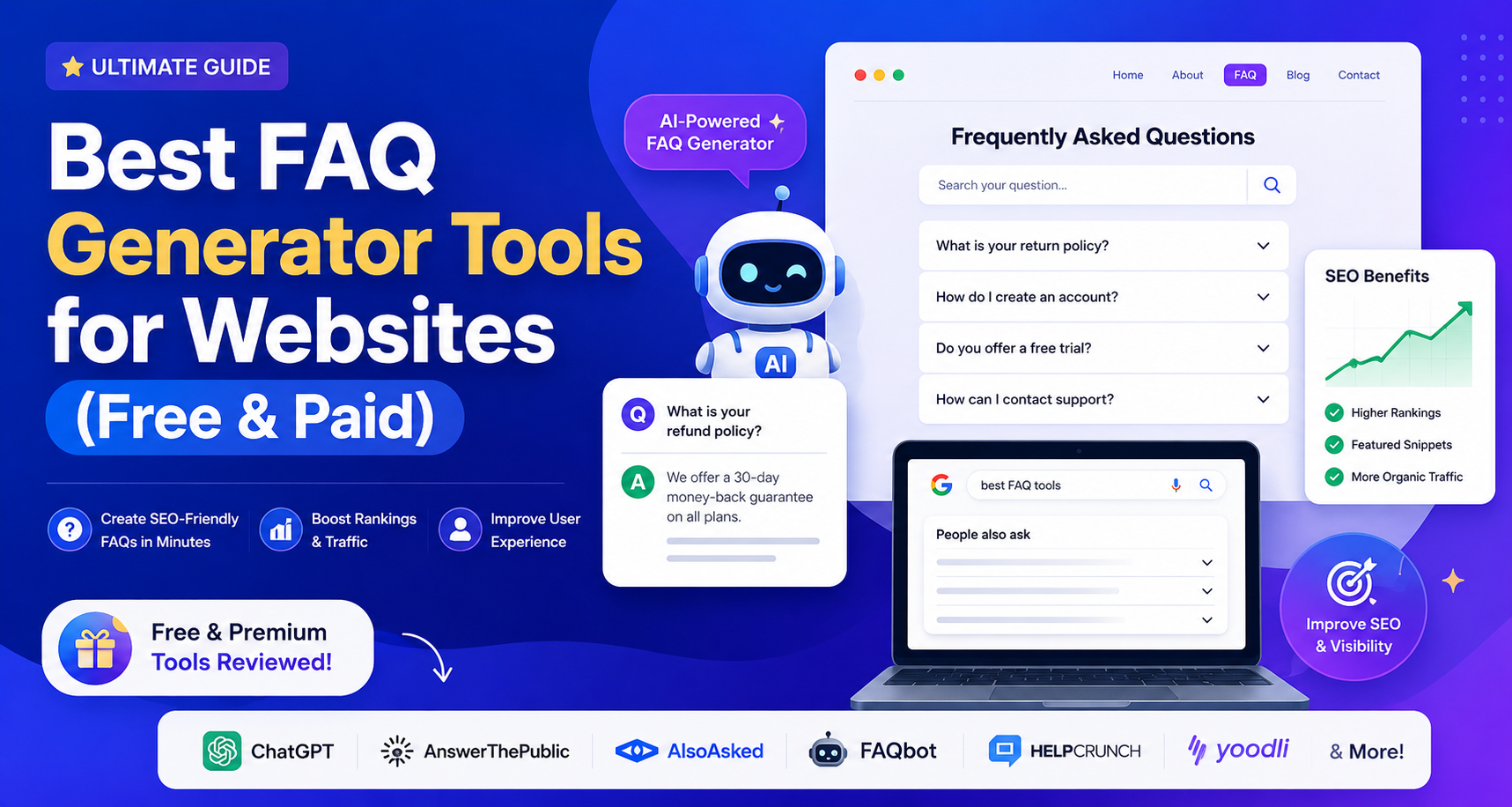
The Best FAQ Generator Tools Right Now
1. GeoTools FAQ Generator — Best Free Option for SEO-Focused Teams
If your primary goal is search visibility, GeoTools is the one to start with. It's free, requires no account, and the workflow is simple: you paste a URL, and it reads the actual content of that page to generate questions and answers that are specific to what the page is about.
That last part — the specificity — is what separates it from most free tools. A lot of generators ask you to type a topic or keyword and then produce questions that could apply to any page on the internet about that topic. GeoTools reads your actual page, which means the questions it generates are grounded in what you've already written.
The other thing worth mentioning is the output format. It produces schema-ready JSON-LD markup alongside the visible Q&A content, which means you're getting both the user-facing FAQ section and the structured data that helps Google interpret it — in the same workflow. For anyone trying to build FAQ sections with featured snippet potential, that combination matters.
It's not a full content suite or a subscription platform. It's a focused tool that does one thing well. For solo creators, small businesses, and SEO professionals working across multiple pages, that's often exactly what's needed.
Best for: SEO teams and content managers who want snippet-optimized FAQs fast, without a monthly subscription.
Free plan: Yes — fully free, no login required.
Paid plan: N/A
2. QuillBot FAQ Generator — Best for Writers Who Already Use QuillBot
QuillBot has been around long enough to have earned genuine trust as a writing tool, and their FAQ generator benefits from that foundation. You give it a topic or paste in some content, and it identifies the key themes your audience is likely asking about, then drafts answers in a style you can customize.
The tone and language controls are a genuine differentiator here. If you're working on content for a technical product versus a consumer brand, you want different registers — and QuillBot actually lets you adjust that before generating. The output quality is solid, and because it sits inside the broader QuillBot ecosystem, it's easy to push the generated FAQ answers into their paraphrasing or grammar tools to refine them further.
The limitation is that it's more of a general writing assistant than an SEO-specific tool. It won't generate schema markup for you, and the questions it produces are based on topic input rather than reading an actual URL. If structured data and featured snippet targeting are your priorities, you'll need to handle that side separately.
Best for: Writers and content teams already in the QuillBot workflow who want FAQ drafts as part of a broader writing process.
Free plan: Yes, with usage limits.
Paid plan: Available as part of QuillBot Premium.
3. Juma (formerly Team-GPT) — Best for Teams Who Need Custom AI Behaviour
Juma is a different kind of tool — it's less a point-and-click FAQ generator and more a collaborative AI workspace where you can build and fine-tune the prompts your team uses to generate content consistently. The FAQ generation capability sits inside that broader framework.
What makes it worth considering is the level of customisation. You can configure the AI model, build shared prompt templates that your whole team uses, and track what's working across different FAQ generation experiments. For agencies handling FAQ content across multiple clients, or content teams that want to standardise their output quality, that kind of infrastructure is genuinely useful.
It's overkill for a single website or a solo operator. But if you're producing FAQ content at real scale — dozens of pages, multiple clients, multiple writers — having a shared workspace where everyone's generating from the same calibrated prompts is worth the setup cost.
Best for: Agencies and content teams who need consistent, scalable FAQ production with shared workflows.
Free plan: Free trial available.
Paid plan: Yes — pricing scales with team size and usage.
4. DocsBot AI FAQ Generator — Best for Documentation-Heavy Businesses
DocsBot takes a slightly different approach that's worth understanding. You give it a URL, and it crawls the page — not just the text, but the visual layout and structure of the content — to generate FAQs that reflect what's actually on the page. The output is designed to feed directly into knowledge bases, help centers, and AI support chatbots.
The use case here is fairly specific but important: if you have a product with real documentation — a software platform, a SaaS tool, a complex service — and you want FAQ content that accurately reflects how that product works, DocsBot's content-crawling approach produces more relevant questions than topic-based generators. The FAQs it creates are also formatted with chatbot training in mind, which means if you're building a support bot, you're getting content that's already structured for that purpose.
For simple marketing pages or general business websites, it's more tool than you need. But for technical products with genuine documentation, it's a strong option.
Best for: SaaS companies, technical products, and businesses building AI support chatbots from their documentation.
Free plan: Yes — no login required for basic generation.
Paid plan: Available for higher usage and chatbot training features.
5. HumanizeAI FAQ Generator — Best for Matching Tone Across Your Content
HumanizeAI's FAQ generator goes beyond generating questions — it tries to stay consistent with the tone and mood of your existing text. If your brand writes in a conversational, informal way, the FAQs it generates will lean that direction. If your content is more formal and authoritative, the output reflects that.
This tonal awareness is its most distinctive feature, and it's genuinely useful for brands that have invested in a clear voice. Nothing breaks the reading experience quite like an FAQ section that sounds like it was written by a different team — or a different species — from the rest of the page. HumanizeAI's tool tries to solve that problem.
The trade-off is that it requires decent input to produce decent output. If you give it thin content, the tone-matching doesn't have much to work with. And like QuillBot, it doesn't produce schema markup, so SEO integration requires an extra step.
Best for: Brand-conscious teams who need FAQ content that sounds consistent with their existing voice.
Free plan: Yes.
Paid plan: Starting around $22/month.
6. Toolsaday FAQ Generator — Best for Quick Single-Page Needs
Toolsaday is the no-friction option. There's almost no setup — you describe your topic or product, and it generates an FAQ set in seconds. The questions are reasonably relevant, the answers are clear enough to use with light editing, and there's customisation for tone and target audience.
It's not going to win awards for depth or precision. The questions it generates are more general than what you'd get from a URL-based tool. But for a small business that needs a serviceable FAQ section on their contact page or product page by the end of the afternoon, Toolsaday gets the job done without requiring any technical knowledge or workflow setup.
Best for: Small businesses and non-technical users who need a basic FAQ section fast.
Free plan: Yes.
Paid plan: Available for higher volume.
How to Choose the Right One for Your Situation
The honest answer is that the right tool depends on what you're actually trying to accomplish. Here's a quick way to think through it:
If your goal is SEO and featured snippets, you want a tool that reads your actual page content and produces schema-ready output. GeoTools is the clearest fit here — it's built specifically for that workflow, it's free, and the output is ready to implement without an extra structured data step.
If your goal is brand consistency and you care about the FAQ sounding like the rest of your site, HumanizeAI's tone-matching approach is worth the extra step of adding schema separately.
If you're working at agency scale across multiple clients and pages, Juma's shared prompt workspace is what makes FAQ production manageable at volume.
If you're building a technical product and need FAQs that reflect your actual documentation, DocsBot's content-crawling approach is more accurate than anything topic-based.
And if you just need something done quickly for a single page, Toolsaday or QuillBot will get you there with minimal friction.
One Thing None of These Tools Can Do for You
Every FAQ generator — free or paid, simple or sophisticated — has the same limitation: it can draft questions and answers, but it can't verify them against your actual business reality.
The most useful FAQ sections are the ones that answer the questions real customers actually ask — questions that come out of support tickets, sales conversations, onboarding calls, and live chat logs. No tool has access to that context. What generators do is get you most of the way there with a first draft; the final step is always a human pass to make sure the answers are accurate, the questions are genuinely relevant, and the tone sounds like a person wrote it.
That's not a knock on these tools — it's just the right way to use them. Treat the generated output as a strong starting point, not a finished product. Edit the answers to reflect how your business actually works. Add or remove questions based on what you know from real customer interactions. Then implement with schema markup and let Google do the rest.
Final Thought
FAQ sections don't have to be a chore, and they don't have to be generic. The tools above take most of the manual work out of the process — and the best of them produce output that's actually built for search, not just for appearances.
If you're starting from scratch and want to see what a URL-based, schema-ready FAQ generator looks like in practice, GeoTools is worth five minutes of your time before you commit to anything else. It's free, it doesn't ask for your email address, and you'll have a draft to work from faster than it takes to write this sentence.
Everything after that is editing — and editing is always faster than writing from nothing.