A while back, I spent almost three weeks writing and scheduling blog content for a client's site. Good content, too — actually researched, properly formatted, the whole thing. Traffic barely moved. And I couldn't figure out why until I ran a basic audit and found out Google hadn't indexed half the site in like three months. There was a single line in the robots.txt file blocking the main blog directory.
Three weeks. One line.
That's kind of SEO in a nutshell, though. The stuff that actually tanks your score is usually not the big strategic stuff — it's the boring, invisible, easy-to-miss technical stuff that nobody checks because it's not interesting to talk about.
So yeah. This post isn't about "create valuable content" or "build your brand authority." You've read that a hundred times. This is about the stuff that actually moves your score, and some of it you can fix today.
Your SEO Score Is Just a Number — But It Points to Real Problems
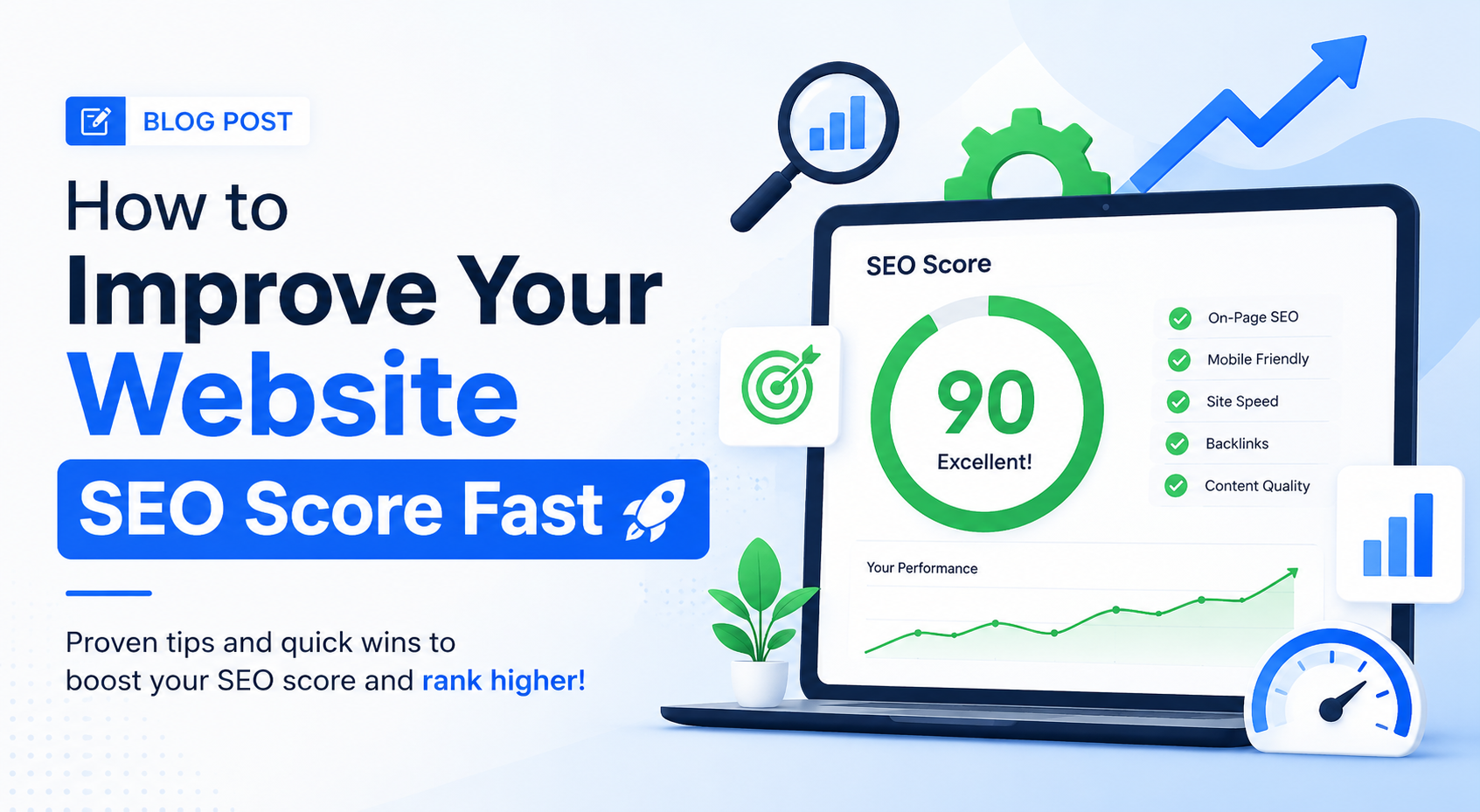
Before anything else — the score your SEO tool gives you is a composite. It's not one thing. A score of 54 doesn't mean your site is "54% good at SEO." It means there are a bunch of specific issues dragging the number down, some significant and some trivial, and the tool is trying to represent all of that in one number.
Which is why fixing your SEO score isn't really the goal. The score going up is just the side effect of fixing the actual problems.
Key Insight: Some of the fastest score improvements come from really simple stuff — blank meta descriptions, images missing alt text, a page title that's 90 characters long. These take maybe ten minutes to fix and your score can jump eight points. Not because you did anything clever, just because you stopped ignoring things.
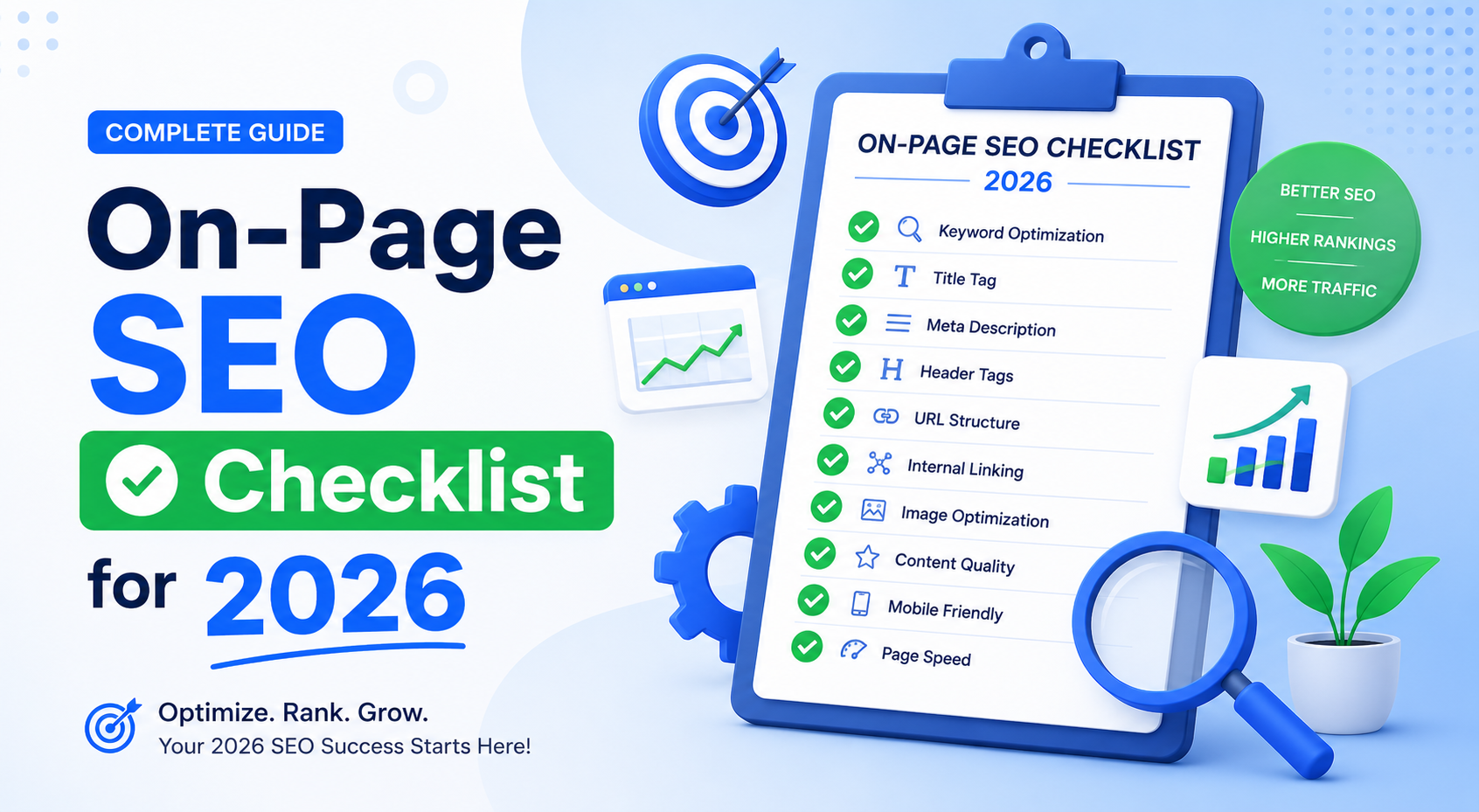
Start with an audit. Run your site through a free SEO checker and just look at what it flags. Don't get overwhelmed by the full list — sort by severity and start at the top.
Title Tags: You Still Need to Do This Properly
I know. Everyone talks about title tags. But I still see sites in 2026 where the title of every page is just "Home | Company Name" — or worse, just the company name with no variation at all.
Your title tag is doing a lot of work. It tells Google what the page is about, it shows up as the clickable headline in search results, and it carries real weight as a ranking signal.
- Keep it under 60 characters — Google cuts it off in the snippet and a truncated title looks careless.
- Put your main keyword close to the front, not buried after your brand name.
- Make it something a person would actually want to click, not just a keyword string.
The meta description doesn't directly affect your ranking, but it affects whether someone clicks your result — and click-through rate feeds back into how Google perceives your relevance. Write it like a one-sentence pitch. 150 to 155 characters. Include the keyword naturally, not shoved in awkwardly.
Pro Tip: If you've got twenty service pages with blank meta descriptions, a free meta tag generator saves you a lot of staring at blank fields. You can get three or four variations per page in seconds and pick the one that sounds most like you.
Page Speed Is Not Optional Anymore
Here's something that took me longer than it should have to really internalize: a slow website isn't just annoying for visitors. It is actively, measurably hurting your rankings.
Google measures this through Core Web Vitals. Three metrics that matter right now:
LCP — Largest Contentful Paint
How long until the main content on the page visually loads? Needs to be under 2.5 seconds. If you've got a massive uncompressed banner image loading first, that's probably your problem. Convert images to WebP, compress them, lazy-load anything below the fold.
INP — Interaction to Next Paint
This replaced FID and measures how responsive the page feels when you click or tap something. Heavy JavaScript blocking the main thread is usually the culprit. If your site uses a page builder with seventeen plugins all loading scripts, that's where to look.
CLS — Cumulative Layout Shift
This is when you go to click something and the whole page shifts and you click the wrong thing. Really common when images don't have set dimensions or ads load in and push content down. Add explicit width and height to every image — that alone fixes most CLS problems.
| Metric | What It Measures | Good Score | Quick Fix |
|---|---|---|---|
| LCP | Load speed of main content | Under 2.5s | Compress images, use WebP |
| INP | Page responsiveness on interaction | Under 200ms | Reduce JavaScript, defer scripts |
| CLS | Visual stability while loading | Under 0.1 | Set image dimensions explicitly |
Pro Tip: Run your URLs through Google PageSpeed Insights — it's free and tells you exactly what's failing. Getting from 45 to 75 makes a real difference. Getting from 75 to 100 is often diminishing returns.
Internal Links Are Free Link Building — and Nobody Uses Them Enough
Everyone talks about getting backlinks from other websites. And yes, those matter. But the links you control — the ones between your own pages — are completely free and most site owners barely think about them.
Every time you link from one page on your site to another, you're passing some of that page's authority over. Your homepage, which probably has the most authority, should be linking to your most important pages. Your most-visited blog posts should be linking to relevant product or service pages.
Go look at one of your most important pages right now. How many other pages on your own site are linking to it? If the answer is one or two, find three or four related pages and add a natural contextual link from each.
Key Insight: Watch out for orphan pages — pages with zero internal links pointing to them. Google crawls your site by following links, so if nothing links to a page, Google might not find it regularly. An audit will surface these.
The Technical Stuff That Nobody Talks About But Really Matters
Okay, this section isn't exciting. I'm warning you now. But these are the things that quietly tank a lot of sites, and they're all fixable in a day.
- Broken links (404 errors): Every 404 is a small problem. A lot of them together start to actually matter. Redirect them or fix the link.
- Redirect chains: Page A → Page B → Page C. Google loses a little signal at each hop. Collapse them so A redirects directly to C.
- Duplicate content: If you have two nearly identical pages, Google often just ignores both. Use canonical tags or consolidate.
- Missing H1 tags: Every page should have exactly one H1 — not zero, not three. One. It should relate to what the page is actually about.
- Images with no alt text: Alt text describes images to both screen readers and Google. Generic filenames like
IMG_3847.jpghelp no one.
None of this is glamorous. But I've seen sites go from a score of 48 to 71 just by spending a day on this kind of stuff — before touching a single piece of content.
Content: Write for the Person Who Has a Specific Problem
Here's my honest take on SEO content in 2026. Most of it is still too general.
There's a difference between writing about "how to do email marketing" and writing about "why your welcome email sequence is getting marked as spam." One has ten thousand competitors. The other has a specific person searching for it because something is actually going wrong for them, right now.
The more specific your content, the less competition you have, the more likely the person who finds it is actually your audience — and the more likely an AI search engine is going to pull your answer and cite you.
Why FAQ Sections Matter More Than They Used To
A big and growing chunk of search traffic doesn't end with someone clicking a blue link anymore. They ask ChatGPT, or Perplexity, or Google's AI Overview gives them the answer right on the results page. For that to include your content, it needs to be structured like an answer — a clear question, a direct response, then supporting detail.
An AI model scanning your page finds a FAQ section and immediately knows what the question is and what your answer is. Much easier to cite than a long, flowing paragraph that mentions the same thing somewhere in the middle.
Pro Tip: Add FAQs to your key pages and use FAQ schema markup so Google and AI engines can parse them properly. Look at the "People Also Ask" box in Google for your target keyword to find what questions to answer.
Backlinks: You Need Some, You Don't Need Hundreds
I'm not going to oversell backlinks, but I'm also not going to pretend they don't matter. For competitive keywords, links from other sites still carry a lot of weight.
Ten links from genuinely relevant, real websites with real traffic are worth more than two hundred directory links that nobody visits. Google has gotten very good at telling the difference.
Realistic Ways to Earn Good Links
- Get into roundup articles: Find "best tools in your category" articles ranking on page one. Reach out to the author. Most are updated periodically and authors are open to hearing about something they missed.
- Reclaim unlinked brand mentions: Search your brand name in Google, find sites that mentioned you without linking, and email asking them to add the link. Most will.
- Guest posts on real sites: Not article farms. Sites your actual audience reads. Pitch something genuinely useful.
Key Insight: Good free tools attract links naturally. That's a big part of why a no-signup, completely free positioning works from a link-building perspective — people share free tools.
AI Search Optimization: Not Optional Anymore
This is the piece of SEO advice that felt optional in 2024 and doesn't anymore.
Google AI Overviews now reaches around 2.5 billion monthly users. Perplexity passed 100 million monthly active users in 2025. ChatGPT Search was launched to everyone. A growing share of your potential audience is getting answers from these systems — and if your site isn't structured to be understood and cited by them, you're being cut out of that visibility entirely.
Add an llms.txt File to Your Site
It's a plain text file sitting at yourdomain.com/llms.txt that tells AI crawlers which pages on your site are the most important to read. Think of it like a sitemap, but for AI. It takes about five minutes with a free generator that crawls your sitemap and builds the file automatically.
Beyond that — use clear headings, write direct answers to specific questions, and add FAQ schema markup to your important pages. That's the foundation.
Key Insight: Ignoring AI search optimization in 2026 is starting to feel like ignoring mobile optimization in 2015. You don't have to be first. But you do have to eventually show up.
Where to Actually Start
If I had to tell someone with a site scoring around 50 what to do this week, it would be this:
- Run a full audit and review what gets flagged
- Fix title tags and meta descriptions on your ten most important pages
- Check your
robots.txtisn't blocking anything it shouldn't be - Fix any 404 errors that come up
- Run PageSpeed Insights on your homepage and fix the top issues it flags
That alone — no new content, no backlink outreach, no AI optimization — will probably move your score noticeably within a couple of weeks once Google re-crawls.
Then, once the foundation is clean, layer in content strategy and link building. Building links to a broken site is like renovating a room before fixing the roof. Sort out the basics first.
It's not exciting advice. But it works, and it works faster than most people expect.
Free Tools to Help You Do All of This
- Free SEO Checker — runs a full on-page audit instantly
- llms.txt Generator — creates your AI-readiness file in seconds
- FAQ Generator — builds FAQ sections from your existing page content
- Meta Tag Generator — generates optimized title and description variations
No signup. No credit card. Just use them.