When was the last time you actually sat down and wrote FAQ content for one of your pages — not copy-pasted from a competitor, not guessed based on what you thought people might ask, but genuinely researched and written from scratch?
If the answer is "a while ago" or "honestly never," you're not alone. FAQ sections are the most underbuilt part of most websites. People treat them like an afterthought — a few generic questions stuffed at the bottom of a page to tick a box. And then they wonder why their competitors keep showing up in People Also Ask boxes while they don't.
Here's the thing: FAQs are not an afterthought anymore. In 2026, they're one of the most powerful content formats you have. Google AI Overviews pull from structured FAQ content. ChatGPT and Perplexity cite pages with clean Q&A structure. A well-built FAQ section can get you into featured snippets, rich results, and AI-generated answers — all without building a single new backlink.
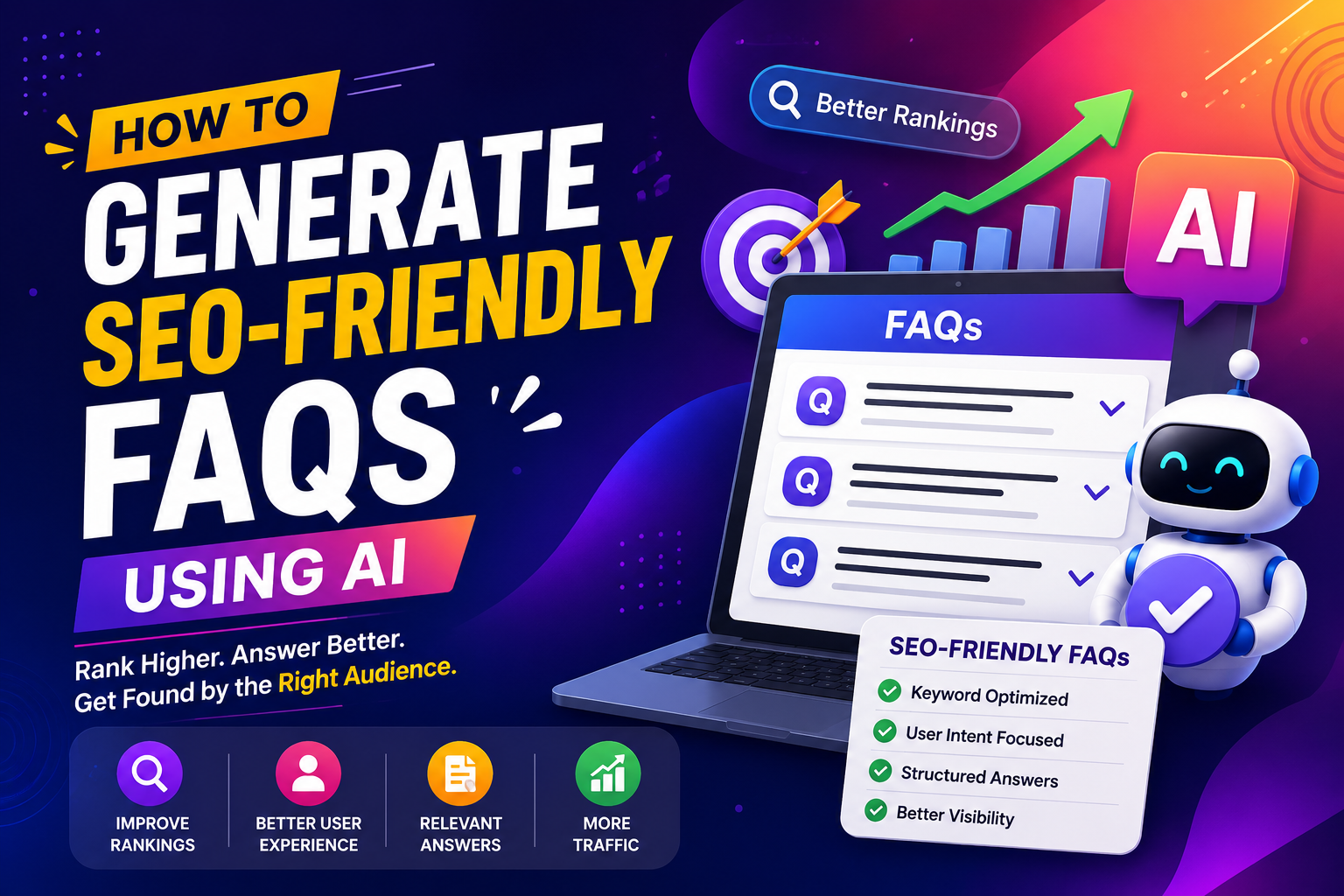
The problem is writing them properly takes time. This guide will show you how to do it right, faster — using an AI FAQ generator that actually reads your webpage before generating anything.
Why FAQ Sections Matter More Than Ever in 2026
Search has changed. Quietly, steadily, and in ways that most content writers haven't fully caught up with yet.
About 8% of all Google searches are phrased as questions. "How does," "what is," "can I," "why does" — these searches are growing every year as voice search, AI assistants, and conversational interfaces become more common. If your pages don't answer those questions directly and clearly, you're invisible to a significant slice of your potential traffic.
But it goes deeper than Google. When someone types a question into ChatGPT or Perplexity today, those systems scan the web for pages with clear, structured answers. A page with a well-formatted FAQ section — especially one with proper JSON-LD schema markup — is exactly what those AI engines prefer to cite. You don't just rank on Google; you get cited by AI. That's a different kind of visibility, and it compounds over time.
Key Insight: Most free FAQ tools are still solving the wrong problem. They give you a manual JSON-LD editor and call themselves an "FAQ generator." You still have to write every question yourself — which means you still have to know what people are actually searching for. That's the gap a URL-reading AI FAQ generator fills.
What Makes an FAQ Section Actually SEO-Friendly?
Before you generate anything, it helps to understand what Google — and AI search engines — are actually looking for in FAQ content. There are four things that separate an FAQ section that drives traffic from one that just takes up page space:
Questions that match real search intent
Generic questions like "What is your return policy?" are fine for customer service, but they won't win you any search visibility. The questions that move the needle are the ones people are literally typing into search engines — specific, conversational, long-tail queries that match how real people talk about your topic.
Answers that are complete but concise
Google's guidance on this is consistent: answers should be clear, direct, and written for humans. One to two sentences for a simple factual answer. A short paragraph for something more nuanced. The sweet spot is around 40–60 words per answer — enough context to be genuinely useful, short enough to be extracted cleanly as a featured snippet.
Visible content that matches your schema
This is where a lot of people trip up. You can't add FAQ schema markup for questions that don't visually appear on the page. Google is explicit about this — your JSON-LD must reflect what users can actually read. Hidden or off-screen FAQ schema will get you flagged, not rewarded.
Topical relevance to the page itself
Your FAQ section should answer questions that naturally relate to the page it lives on. A product page FAQ should answer questions about that specific product. A service page FAQ should address concerns specific to that service. Generic FAQ sections that could belong on any page don't help your topical authority.
How Most FAQ Generators Fall Short
There are plenty of free tools out there that claim to generate FAQ sections. Having looked closely at what's available, here's what you'll actually find:
| Tool | Reads live URL | AI-generated Q&As | Schema output | No login required | Free |
|---|---|---|---|---|---|
| Saijo George FAQ gen | No | No — manual entry | JSON-LD ✓ | Yes | Yes |
| CommonNinja | No | No — manual entry | JSON-LD ✓ | Yes | Yes |
| QuillBot FAQ gen | No | Yes — topic only | No | No | Limited |
| Agerra FAQ gen | Yes | Yes — from URL | No | No | Limited |
| DocsBot FAQ gen | Yes | Yes — from URL | No | Yes | Limited |
| GeoTools FAQ gen | Yes ✦ | Yes — from URL ✦ | JSON-LD ✦ | Yes ✦ | 100% free ✦ |
Most schema-only tools — like the popular ones from Saijo George or CommonNinja — are essentially JSON-LD formatters. They're genuinely useful for converting manually written Q&As into valid schema markup, but they don't write anything for you. The tool just wraps your work in the right code format.
AI writing tools like QuillBot's FAQ generator are a step forward — they'll write questions based on a topic you type in. But they're working from a blank slate. They don't know what your specific page is about, what keywords it's targeting, or what questions are actually being asked about your industry.
Key Insight: The closest competitor that reads a URL is Agerra — but it requires an account and produces no schema output. GeoTools is the only tool that combines URL reading, AI-generated Q&As, and schema-ready output, completely free with no login required. That's not a marginal improvement — that's a fundamentally different workflow.
Step-by-Step: How to Generate SEO-Friendly FAQs from Any URL
Here's exactly how to build an FAQ section that works — from the moment you open the tool to the moment you publish.
Step 1: Start with the right page
Not every page on your site needs an FAQ section. The highest-ROI pages to target first are the ones already getting some organic traffic but not yet appearing in featured snippets or People Also Ask results.
Run your site through any basic SEO checker and look for pages ranking on page one but sitting in positions 5–15. Those are pages that search engines have already validated as relevant — FAQ content can push them into richer positions. Service pages, product pages, and cornerstone blog posts are usually the best starting points.
Step 2: Paste the URL into GeoTools
Head to the GeoTools FAQ Generator and paste your page URL into the input field. No account needed, no credits, no waiting for a welcome email.
What happens next is the part that actually matters: the AI reads your page. It scans the headings, the body content, the keywords, and the overall topic focus. It doesn't generate generic questions about your industry — it generates questions specifically relevant to what that page is about.
Pro Tip: A topic-based tool asked to generate FAQs about "SEO services" will give you the same questions it gives everyone. A tool that reads your actual SEO services page — your specific pricing structure, your specific process, your specific target market — will give you questions that match what your potential customers are actually wondering when they land on that page.
Step 3: Review and refine the output
AI-generated content needs a human pass. Always. Not because the questions will be wrong — they usually won't be — but because you know things about your business, your customers, and your industry that no AI can infer from a single webpage.
Read through the generated FAQ pairs and ask yourself:
- Does this question reflect something my actual customers ask?
- Is the answer complete enough to be genuinely useful, or does it need more context?
- Is there a question missing that I hear frequently in sales calls or support tickets?
- Does anything in the answer need to be updated for accuracy?
Add one or two questions from your own knowledge. Remove anything that feels too generic. Tweak the tone so it matches your brand voice. The goal is to publish FAQ content that feels like it was written by a person who knows the business inside out — because it was, with an AI doing the first draft.
Step 4: Implement the schema markup
The output from GeoTools is formatted to be schema-ready. Once you've finalized
your FAQ pairs, implement the JSON-LD markup in the
<head> section of your page, or paste it just before the
closing </body> tag.
- WordPress: Rank Math and Yoast both have built-in FAQ schema blocks — paste questions and answers directly without touching code.
- Shopify: Use custom code injection in the theme editor to add the script block.
- Custom sites: Drop the JSON-LD script tag into your page template's
<head>.
Pro Tip: After implementation, run your page through Google's Rich Results Test to confirm the markup is valid. This takes about sixty seconds and tells you immediately whether your schema is eligible for rich results.
Step 5: Place your FAQ section strategically
Where you put the FAQ section on the page matters more than most people realize. The ideal placement is about two-thirds of the way down the page — after your primary content has made the case for your product, service, or topic, but before the final CTA.
This placement serves two purposes: it answers lingering objections right when a reader might be second-guessing themselves, and it keeps people on the page longer, which sends positive engagement signals to Google.
Don't dump all your FAQs in an accordion component that collapses by default. Google's guidelines are clear that FAQ content needs to be visible to users — not hidden in collapsed dropdowns — to be eligible for schema benefits. Use an open accordion or a simple stacked format where questions are visible on load.
Who Benefits Most from AI-Generated FAQs?
The honest answer is: anyone who publishes content online. But a few use cases see outsized returns:
- Bloggers and content creators — FAQ sections naturally target long-tail question searches. Adding one to existing high-performing posts is one of the fastest ways to expand a post's keyword footprint without rewriting the whole thing.
- Ecommerce businesses — Product pages often strip informational content to keep the focus on conversion. FAQ sections fill that gap by answering questions about sizing, compatibility, shipping, and returns that might be the only thing standing between a visitor and a purchase.
- SEO agencies and marketers — FAQ generation used to take forty-five minutes per page. With a URL-based AI generator, you can build schema-ready FAQ sections for ten client pages in the time it used to take to do one. That's more output for the same time, or the same output billed more profitably.
- Developers and webmasters — Clean, schema-ready FAQ output integrates smoothly into any tech stack without manual JSON-LD formatting.
The Honest Truth About FAQ Schema in 2026
Here's something worth knowing before you invest time in this: Google restricted expandable FAQ rich results back in 2023, limiting them to government and health authority websites for most queries.
Does that mean FAQ schema is a waste of time? Not even close.
- Bing still shows FAQ rich results for all websites.
- Google AI Overviews cite structured FAQ content heavily.
- ChatGPT, Perplexity, and other AI engines favor pages with clean Q&A structure when choosing what to cite.
- FAQ sections remain one of the best formats for earning featured snippets on informational queries.
Key Insight: The value of FAQ schema has shifted. It used to be primarily about Google's expandable dropdown format in search results. Now it's about being the page that AI engines trust enough to cite when someone asks a question in your space. The competition for AI citations is still wide open — the businesses investing in structured FAQ content right now are positioning themselves for a kind of visibility that most of their competitors haven't thought about yet.
The Bottom Line
FAQ sections aren't a nice-to-have anymore. They're one of the most direct paths to featured snippets, AI citations, People Also Ask boxes, and the kind of search visibility that compounds over time.
The old way of building them — researching questions manually, writing answers from scratch, manually formatting JSON-LD schema — was slow enough that most businesses just didn't bother. The newer tools solve half the problem: they either generate questions or produce schema markup, but rarely both together, and rarely from the actual content of your page.
If you want FAQ sections that are relevant to what your pages are actually about, schema-ready out of the box, and built in under ten seconds, the GeoTools FAQ generator is worth trying right now. No account. No credit card. Just paste your URL and see what comes back.
Your competition is already ranking for questions your customers are asking. The gap closes when you start answering them.