GeoTools Blog — May 2026
Okay so I want to start with something real.
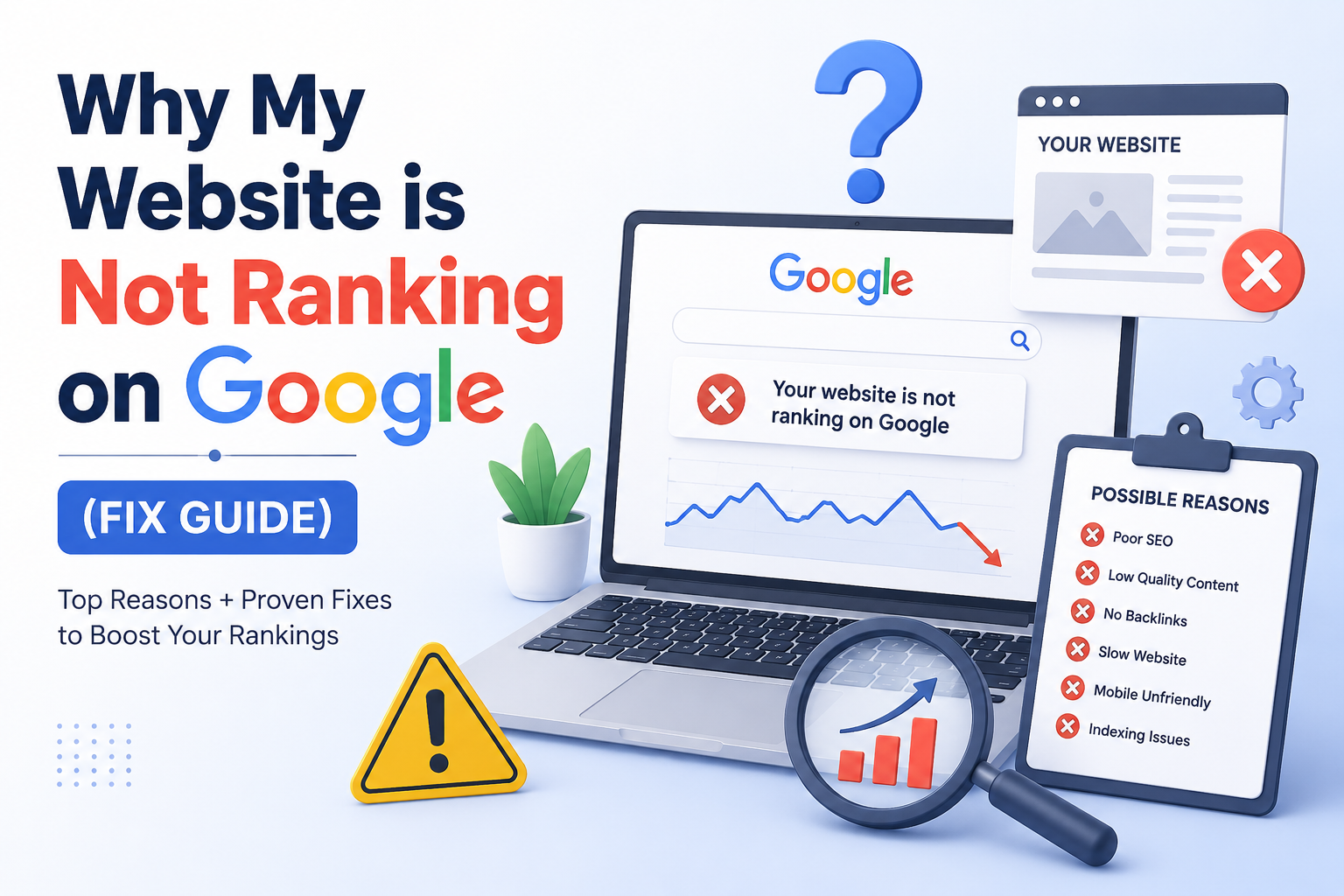
I've talked to a lot of website owners over the past couple of years — small businesses, freelancers, bloggers, people who sell things online — and almost all of them have the same experience at some point. They put in the work, they publish content, they do what they think they're supposed to do. And then they check their Google rankings and just... nothing. Or page four. Which is basically nothing.
And the worst part isn't even the low rankings. It's that nobody gives them a real explanation. They get generic advice. "Post consistently." "Use keywords." "Build backlinks." Cool, thanks, very helpful.
So I'm going to try to actually explain what's going wrong. Not in a theoretical way — in a "here's the real stuff that kills rankings and here's what you do about it" way.
Start here: is Google even looking at your site?
Before anything else — and I mean anything — you need to know if Google has actually indexed your website.
This sounds like it should be obvious. You built the site, it's live, Google should know about it. But that's not how it works. Google has to discover your site, crawl it, and decide it's worth adding to its index. For a new site that process can take weeks. Sometimes longer.
There's a really simple way to check. Go to Google and type site:yourwebsite.com. If results show up, you're indexed. If nothing comes back — zero results — Google doesn't know you exist yet, and that explains everything.
The fix: Google Search Console. It's free. Add your site, verify ownership, and submit your sitemap. A sitemap is just a file that lists all your pages — most website platforms generate one automatically, usually at yoursite.com/sitemap.xml. Submitting it tells Google "hey, here's everything, come look."
Pro Tip: Check your robots.txt file at yoursite.com/robots.txt. If you see Disallow: / in there, someone has accidentally told Google to stay away from your whole site. It's a tiny mistake that's devastatingly easy to make and incredibly easy to miss — I've seen it happen on sites that had been live for months.
The content problem — and it's not what you think
Here's something that takes people a while to accept: writing good content and writing content that ranks are two different skills. They overlap, but they're not the same thing.
A lot of people write about what they know, or what they find interesting, or what they think their audience wants. And sometimes that works great. But a lot of the time it means publishing pages that nobody is actually searching for — and Google can't rank you for a search that doesn't happen.
The thing you have to figure out before you write anything is: what is someone actually typing into Google when they need this information? Not what you wish they were typing. What they actually type.
And then there's intent. Even if you get the keyword right, you can still miss the intent. Say someone searches "email marketing." Are they looking to learn what it is? Compare tools? Get started themselves? Those are totally different needs, and if your page answers the wrong one, people leave immediately — and Google notices.
Key Insight: Before writing, look at what's already ranking on page one for your target keyword. Read three or four of those pages. See what format they use, what questions they cover, how long they are. That's what Google thinks best serves that query. Match the intent first, then figure out how to make yours better.
Page speed — you probably think your site is faster than it is
This one catches people off guard. They load their own site, it seems fine, they move on. But they're loading it on a laptop they've visited a hundred times, with fast internet, with the page already cached in the browser. A first-time visitor on a phone in the middle of nowhere? Completely different experience.
Google has made page speed an official ranking factor through something called Core Web Vitals. Three things matter most:
| Metric | What it measures | Good threshold | Problem zone |
|---|---|---|---|
| LCP (Largest Contentful Paint) | How long until main content appears | Under 2.5 seconds | Over 4 seconds |
| INP (Interaction to Next Paint) | How fast the page responds to taps/clicks | Under 200ms | Over 500ms |
| CLS (Cumulative Layout Shift) | Whether page elements shift while loading | Under 0.1 | Over 0.25 |
Go run your URL through Google PageSpeed Insights right now. Free, takes thirty seconds, gives you a score and tells you exactly what's causing problems. Most common issues are oversized images, JavaScript blocking the page from loading, and slow hosting. Converting images to WebP format alone fixes a lot of sites by a noticeable amount.
Nobody is linking to you — and shortcuts won't fix it
Links from other websites are still one of the biggest signals Google uses to decide how trustworthy and relevant your site is. A link from another site is basically a vote — and votes from credible, relevant sites count far more than votes from random ones.
Two things tend to happen:
- People ignore backlinks completely and wonder why their content won't rank.
- They try to shortcut it — buy cheap link packages, submit to every directory they can find — and Google either ignores those links entirely or actively penalizes the site.
The only links that consistently move the needle are ones you earned. Here's how to make that happen faster:
- Write content that gives people a genuine reason to link — original research, thorough guides, free tools, resources worth referencing.
- Do real outreach — not copy-pasted templates, but actual targeted emails to relevant people in your space.
- Guest post on blogs your audience actually reads.
- When you find a broken link on someone's site, let them know and suggest your page as a replacement.
Key Insight: One good link from a respected site in your niche is worth more than fifty links from sites nobody has heard of. Focus on quality over volume.
The on-page fundamentals that quietly matter a lot
Title tags, headings, meta descriptions — I know this sounds like the most tedious thing in the world. But when these are wrong, everything else is fighting uphill.
- Page title: Include your target keyword naturally — not stuffed in three times, just the way a human headline would include it.
- H1 tag: One per page. Make it specific. "Welcome to Our Website" tells Google nothing. "How to Generate an llms.txt File for Free in 60 Seconds" tells it exactly what the page covers.
- Meta description: Doesn't directly affect rankings but it drives clicks. If yours reads like a robot wrote it, people will click the result below yours that sounds like a real person.
Pro Tip — Keyword Cannibalization: If multiple pages on your site are accidentally targeting the same keyword, Google gets confused about which one to rank and sometimes shows none of them well. If you've been publishing content for a while without tracking this, it's probably happening somewhere on your site. Audit your top pages and consolidate where needed.
Technical issues you've probably never looked at
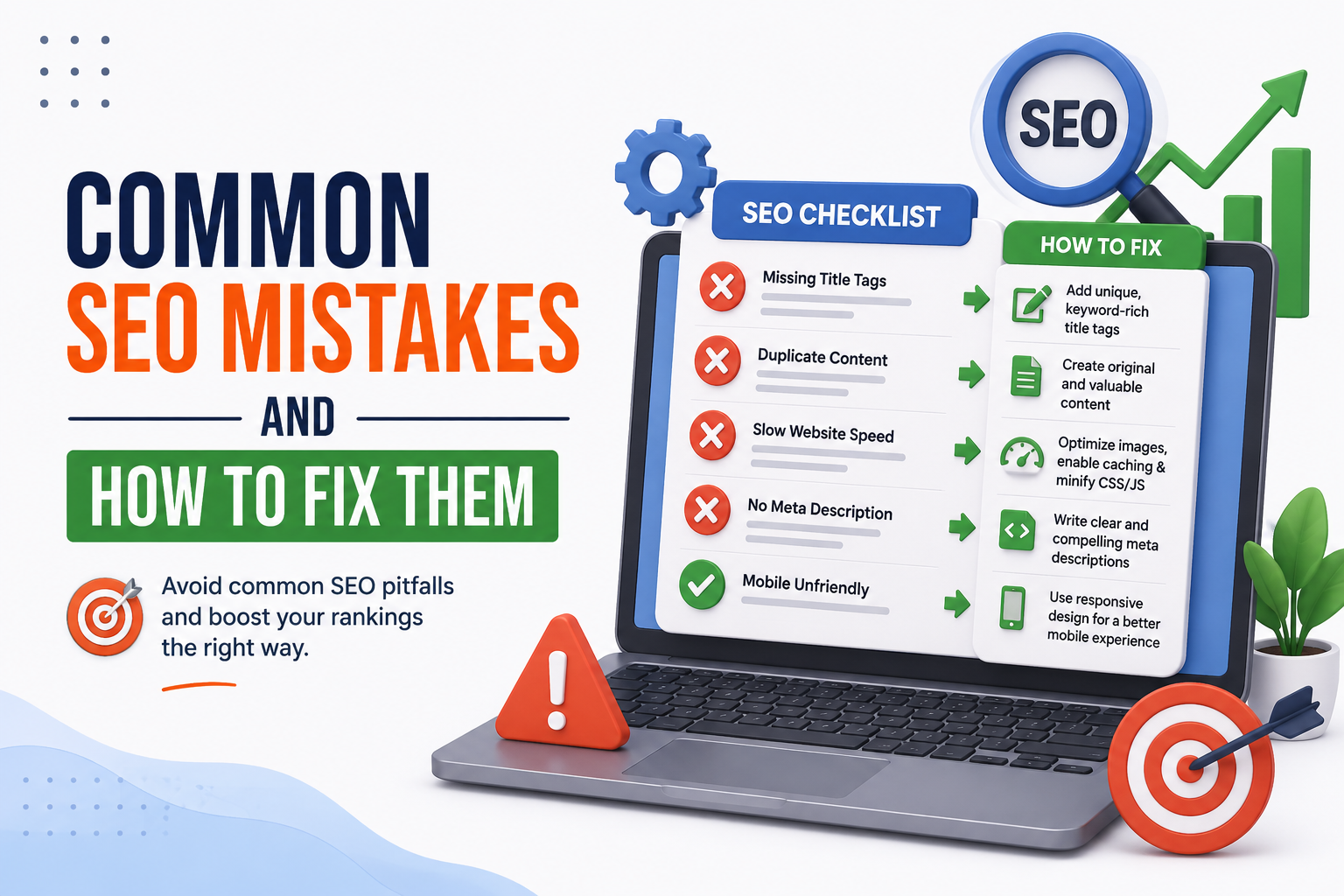
Most website owners never go near the technical layer — and for a lot of sites, something in there is causing a silent, invisible drag on rankings.
Duplicate content
Same content appearing at multiple URLs. Common with ecommerce sites (product pages with different URL parameters) or sites where both www.site.com and site.com are both indexed. Google splits authority between them instead of consolidating it. Canonical tags fix this.
Broken internal links
If pages on your site link to pages that no longer exist, that's a dead end for Google and for your visitors. A free crawl tool finds these in minutes — fix them or set up 301 redirects.
Missing HTTPS
If your site is still on HTTP, browsers show a "not secure" warning, users leave, and Google sees all of it. SSL certificates are free through most hosting providers now. There's no excuse not to have one.
Honest part: sometimes the content just isn't there yet
This is uncomfortable to say and important to hear.
Sometimes the content isn't ranking because it isn't actually good enough yet. Not because the person who wrote it isn't smart — just because it doesn't fully answer what someone searching that query actually needed. Maybe it's too thin. Maybe it's surface-level when the searcher needed real depth. Maybe it answers a question nobody was asking.
Google has gotten very good at figuring this out. If people click your result and immediately bounce back to the search results and click something else, that's a strong negative signal. You don't rank well for long when that's happening consistently.
Read your own content like a stranger would. Out loud if you have to. You'll feel quickly if something isn't landing.
Pro Tip: Add a genuine FAQ section to your important pages. Not throwaway questions — the real things your audience asks. FAQ content matches conversational search queries (increasingly how people search in 2026) and shows up in Google's People Also Ask boxes, which is free real estate. A free FAQ generator like the one at GeoTools builds these from your existing page content in about a minute.
Targeting keywords you have no business going after yet
Six-month-old website, targeting "best project management software." The logic makes sense — popular keyword, clear demand. But the sites ranking for that have been around for years, have thousands of backlinks, and domain authority you simply don't have yet.
This isn't about giving up on those keywords eventually. It's about being realistic about where you are right now.
Specific, longer keywords have less competition and are actually winnable at an earlier stage. "Best project management tool for freelance designers working solo" has fewer competitors — and the person searching it is often closer to making a decision, which is better for conversion anyway.
- Win the specific, long-tail keywords first.
- Build domain authority through consistent publishing and earned backlinks.
- Then go after the broader, competitive terms once you've earned some standing.
The thing most website owners haven't thought about yet
Search isn't just Google anymore. A real and growing chunk of queries — especially informational ones — go straight to ChatGPT, Perplexity, Gemini, and Google's AI Overviews. And those systems find and surface content differently than traditional search does.
They prefer clearly structured pages. They like content that directly answers questions without a lot of noise around it. And there's a file called llms.txt — a simple plain text file you put on your site — that tells AI models which pages are most important and what they're about. Same concept as robots.txt, but pointing AI toward your best content instead of telling crawlers where not to go.
Most websites don't have this yet — which is a real opportunity right now. GeoTools has a free llms.txt generator that scans your site and produces the file in about sixty seconds. You upload it to your root folder and you're done.
Key Insight: Ignoring AI search entirely in 2026 is the same mistake as ignoring mobile in 2015. You don't have to be first. But you probably don't want to be last.
Where to actually begin
If all of this feels like too much, here's the short version: pick one thing and start today. Here's the order I'd recommend:
- Step 1 — Check Search Console. Confirm you're indexed, submit your sitemap, look for crawl errors. Five minutes of work that reveals the most fundamental things about how Google sees your site.
- Step 2 — Run a free SEO audit on your most important pages. Fix the obvious stuff — titles, headings, page speed.
- Step 3 — Read your content honestly. Not as the person who wrote it. As a stranger who typed that search query and landed on your page. Does it actually give them what they needed?
- Step 4 — Generate your llms.txt file to start showing up in AI search results alongside traditional Google rankings.
Everything else — backlinks, technical fixes, deeper AI visibility — builds on that foundation. But the foundation has to be there first.
It's almost never one catastrophic mistake. It's usually a few smaller things that add up and nobody ever pointed out. Once you know what to look for, most of it is fixable. Start with what you can see today.
GeoTools is a free toolkit for website owners — SEO checker, llms.txt generator, FAQ builder, cold email generator, and meta tag tool. No account needed.