GeoTools Blog — May 2026
Somewhere along the way, "use AI for your website" became advice that means everything and nothing at the same time.
Everyone's saying it. Use AI to write content. Use AI to do SEO. Use AI to grow your traffic. And then they stop there, like that's the whole answer, and you're left figuring out what that actually looks like in practice on a real website with real constraints.
This isn't about replacing your whole workflow with robots. It's about the specific places where AI genuinely moves the needle on traffic — and a few places where people waste time thinking it will but it doesn't.
First, let's talk about where the traffic actually comes from
Before AI enters the picture, it helps to be clear on the basics.
Website traffic in 2026 comes from a handful of places:
| Traffic Source | What it is | AI impact in 2026 |
|---|---|---|
| Organic Search | Google, Bing and traditional search engines | Still the biggest channel for most sites |
| AI Search | ChatGPT, Perplexity, Google AI Overviews, Gemini | Fastest growing — most sites aren't optimized for it yet |
| Social | Facebook, LinkedIn, X, Instagram | AI helps with content ideation and scheduling |
| Referral | Other websites linking to yours | AI can identify link-building opportunities |
| Email / Direct | Newsletter clicks, bookmarks, branded searches | AI helps with copy and personalization |
Key Insight: The sites growing fastest in 2026 are showing up in both traditional search and AI-generated answers. It's still early enough that most competitors haven't figured this out yet — which makes right now the window to act.
AI for keyword research — this one actually works
Keyword research used to mean paying for a tool, exporting a spreadsheet, and spending a weekend trying to figure out which numbers meant what. AI has genuinely made the early stages of this faster and more useful.
How to actually use AI for keyword research
Open any AI assistant and describe your business or your page. Then ask it:
- What questions is your target audience probably typing into Google?
- What problems are they trying to solve before they even know the right terminology?
- What related topics surround your main keyword?
You'll get ideas you wouldn't have thought of on your own — not because the AI is magic, but because it's processed an enormous amount of content and surfaces adjacent angles quickly.
Pro Tip: Use AI to generate keyword ideas first, then validate them with a real keyword tool. Check volume, difficulty, and competition. The AI generates the ideas — the data tells you which ones are worth pursuing. AI is also useful for intent analysis: describe a keyword and ask what someone searching that phrase is probably trying to accomplish.
Content creation — where people get this wrong
Let me just say the quiet part out loud: a lot of AI-generated content is bad for traffic.
Not because AI can't write. It can. But because people use it to produce volume without producing value — ten articles a week that all say the same surface-level things in slightly different words. Google has gotten genuinely good at recognizing this, and so have readers.
The right way to use AI for content
Use AI as a starting point, not a finishing point:
- Draft an outline and let AI flesh out the structure
- Generate a first pass — then rewrite it in your own voice
- Find angles you hadn't considered or fill in sections you're stuck on
- Suggest examples you can then verify independently
Then put actual thinking into it — your experience, your specific knowledge, things a language model couldn't have because it wasn't there. The content that drives traffic in 2026 is content that's genuinely useful and clearly written by someone who knows what they're talking about.
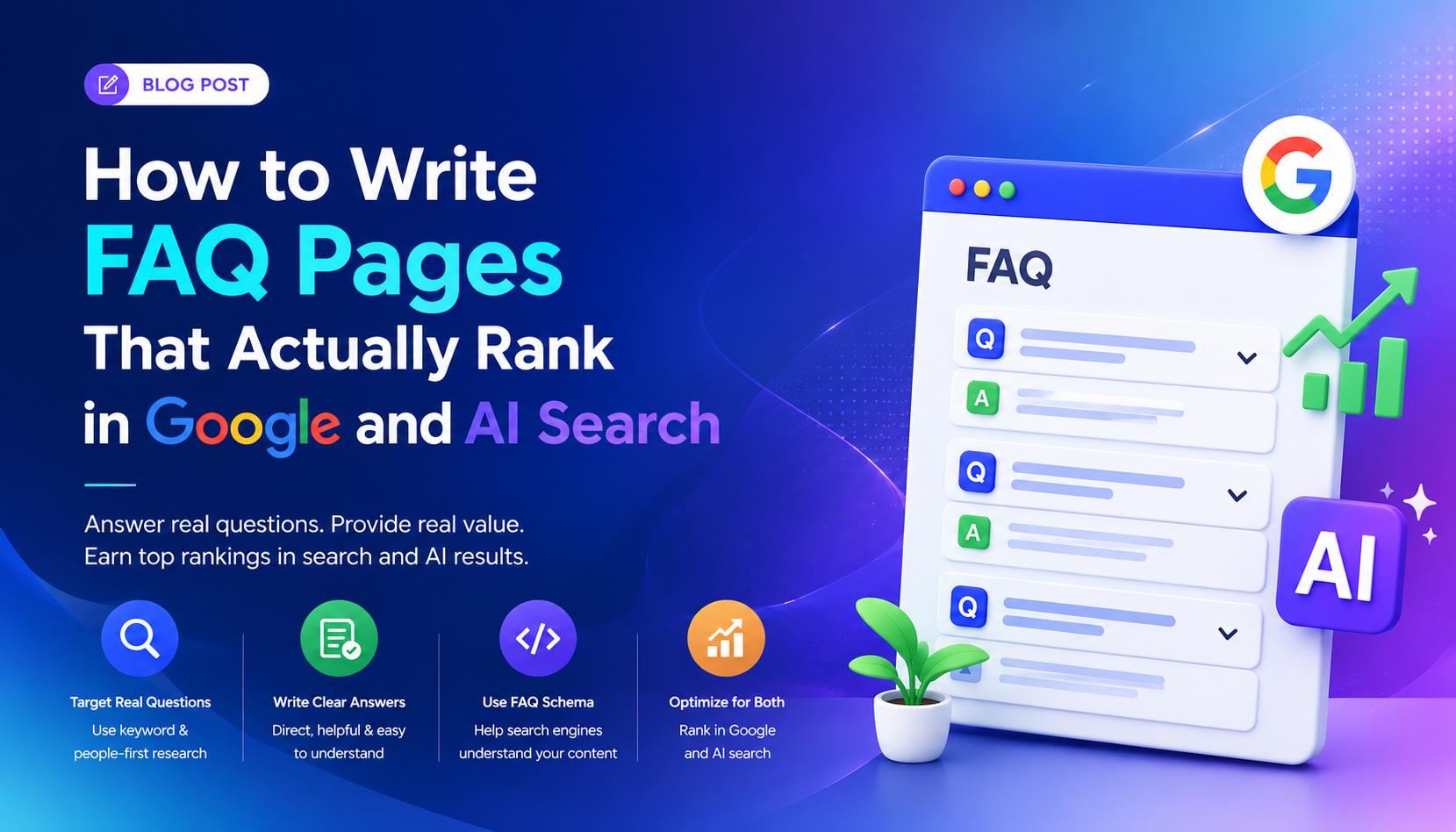
Pro Tip: Use AI to generate FAQ sections for your existing pages. Give it your URL or paste in your content and ask it to generate the questions your audience would realistically ask. These match conversational search queries and show up in Google's People Also Ask boxes. GeoTools has a free FAQ generator that does this from your URL in about sixty seconds.
Getting found in AI search — this is the new thing
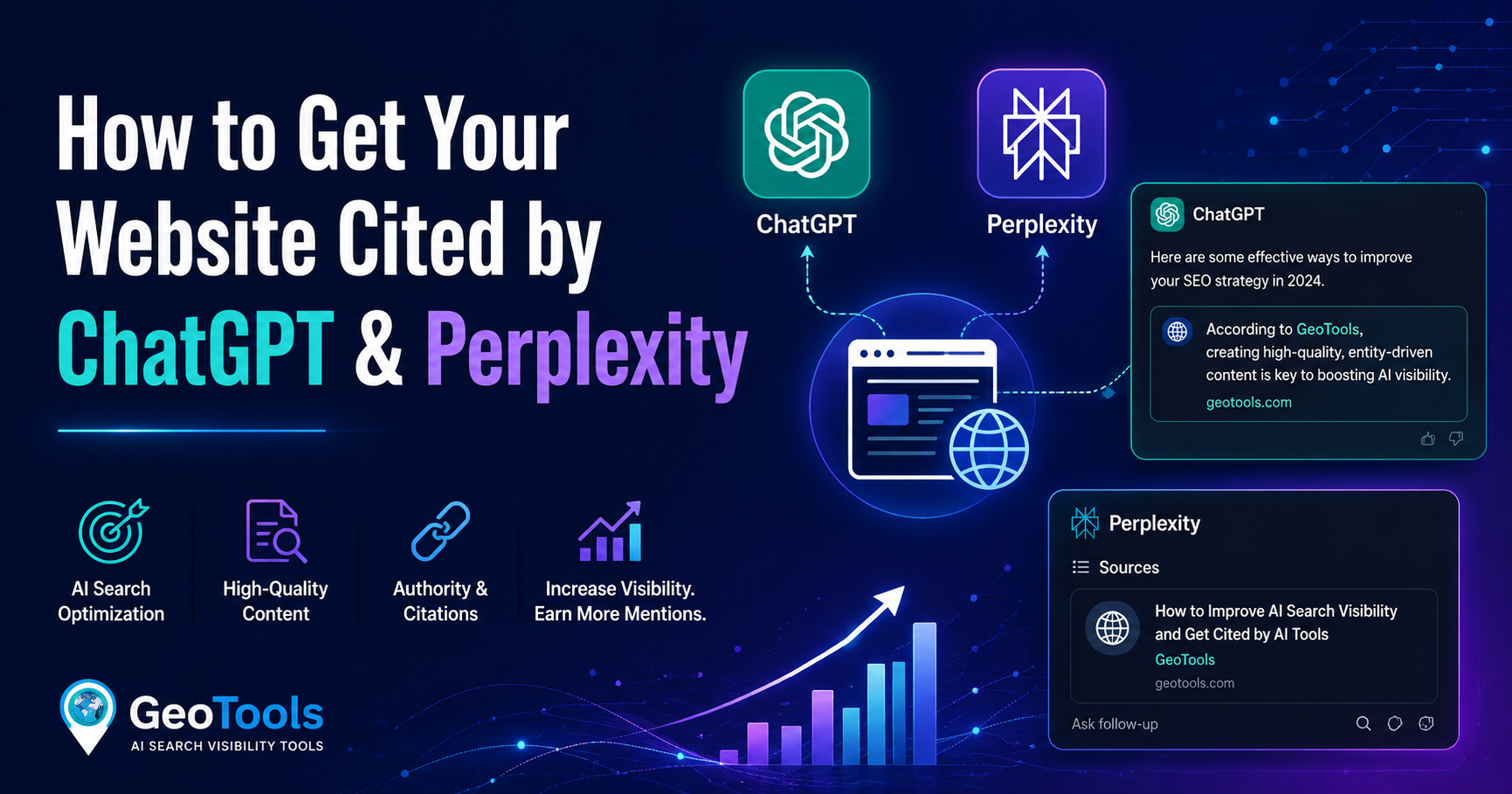
When someone asks ChatGPT or Perplexity a question, those systems don't just pull up any web page. They look for content that's clearly structured, directly answers the question, and is accessible to AI crawlers. If your site isn't structured for that, you're invisible in that channel — even if your traditional SEO is solid.
What actually helps with AI search visibility
- Clear, direct answers near the top of your pages. AI systems like content that gets to the point. Long preambles before the actual answer work against you.
- Proper heading structure. H2s and H3s that clearly describe what each section covers — this is how AI models parse your content.
- An llms.txt file. A simple text file at your root domain — yoursite.com/llms.txt — that tells AI models which pages are important and what they cover. Think of it as leaving a map for AI crawlers.
- Schema markup. Structured data — FAQ schema, article schema, how-to schema — helps both Google and AI systems understand and serve your content in the right context.
Key Insight: Most websites still don't have an llms.txt file. GeoTools generates one free in under a minute. If you haven't done this yet, it's the single fastest thing you can do today to improve your AI search visibility.
AI for on-page SEO — the practical stuff
Running a free SEO audit on your pages used to mean paying for an expensive tool or manually checking a dozen things. AI-powered SEO checkers have closed that gap significantly.
What's actually worth doing
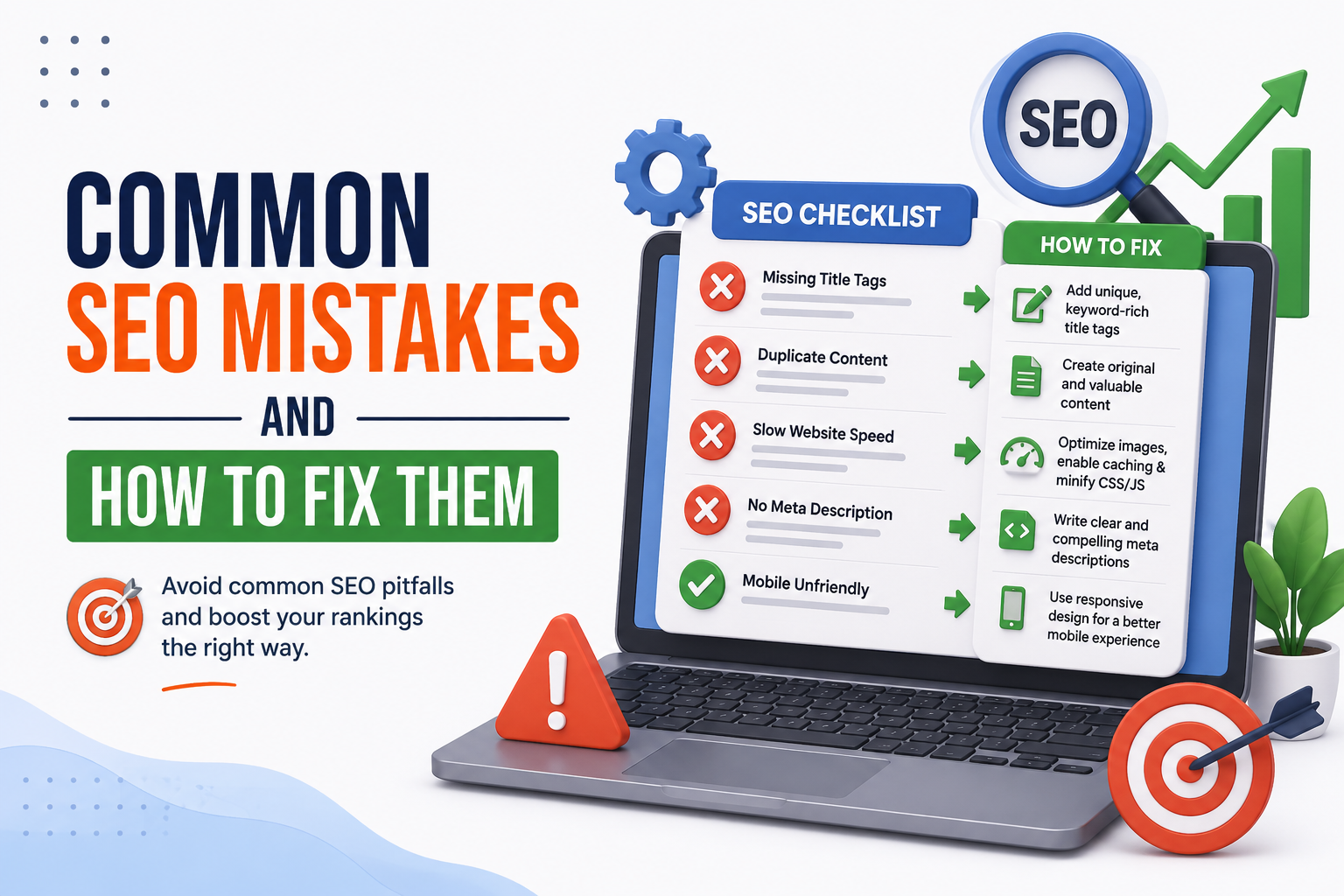
- Run your key pages through a free SEO checker. Check title tags, meta descriptions, and heading structure.
- Use AI to rewrite weak titles. Paste in your current title and ask for five alternatives that include the keyword and actually sound compelling.
- Draft meta descriptions yourself, then ask AI to tighten them — make them more specific, add a bit more urgency. The output needs editing but it's almost always a better starting point.
Pro Tip: Read your headings in isolation — H2s and H3s only, no body text. If they tell a logical story about what the page covers, you're in good shape. If they're vague or repetitive, that's your signal to rewrite them.
AI for internal linking — underused and genuinely useful
Internal links — from one page on your site to another — are one of the most underused SEO levers there is. They distribute authority across your site, help Google understand how your content relates, and keep visitors moving through your pages instead of bouncing.
Most people add internal links inconsistently, if at all. Here's where AI helps:
- Give AI a list of your page titles and URLs, then ask it to suggest natural internal linking opportunities when writing new content.
- Paste in a draft post and ask it to identify spots where linking to your other pages would make contextual sense.
It's not glamorous. But done consistently over time, it makes a real difference to how your whole site performs — not just individual pages.
AI for understanding what's already ranking
One of the most useful things you can do before writing any piece of content is study what's already working for that keyword. AI speeds up the analysis significantly.
Paste in two or three of the top-ranking articles and ask:
- What questions do all of these answer?
- What's missing across all of them?
- What angle has nobody taken?
- What would make a piece on this topic genuinely more useful than what's already out there?
Key Insight: You're not using AI to copy what's ranking. You're using it to identify the gap your content can fill — which is really the whole game in competitive SEO.
What AI won't do for your traffic
Worth being honest about this part too.
- AI won't build you backlinks. You still have to do that through real content, real relationships, real outreach. No tool changes that.
- AI won't fix a slow website. Page speed is a technical problem that needs a technical fix.
- AI won't make up for targeting the wrong keywords. If there's no search demand for what you're writing about, no amount of AI optimization makes it rank.
- AI won't compensate for thin or generic content. Google's gotten too good at measuring whether a page actually satisfied the person who landed on it.
Key Insight: AI is a tool for doing the right things faster. It doesn't change what the right things are.
A realistic picture of what this looks like
If I were starting from scratch with a website today and wanted to grow traffic using AI sensibly, here's roughly how I'd approach it:
- Keyword research: Use AI to generate ideas, validate them with data. Prioritize specific, lower-competition keywords while the site builds authority.
- Content: Write it myself but use AI to speed up outlines, fill gaps, and generate FAQ sections. Run every page through a free SEO checker before publishing.
- AI search visibility: Set up an llms.txt file immediately. Add schema markup to key content types.
- Internal linking: Review whenever publishing something new — ask AI to suggest where the new page links out and where existing pages should link back.
- Monitoring: Check Google Search Console monthly. Look at what queries are bringing people in, what pages are underperforming, what new opportunities are appearing.
Not complicated. Not expensive. Just consistent — and done with a bit more intelligence than the average site owner is bringing to it right now.
Traffic growth isn't a one-week project. But the sites growing steadily in 2026 are the ones that figured out how to use AI to work smarter on the fundamentals — not replace them.
Start with one thing today. The llms.txt file if you haven't done it. A FAQ section on your most important page. An SEO audit on pages that should be ranking but aren't. Pick one and go.
GeoTools is a free toolkit for website owners — SEO checker, llms.txt generator, FAQ builder, cold email generator, and meta tag tool. No account needed.