ChatGPT, Perplexity, and Claude are answering your customers' questions right now — possibly sending them to your competitors instead of you. An llms.txt file helps fix that. Here's how to create one in under 10 minutes, for free.
What is an llms.txt file?
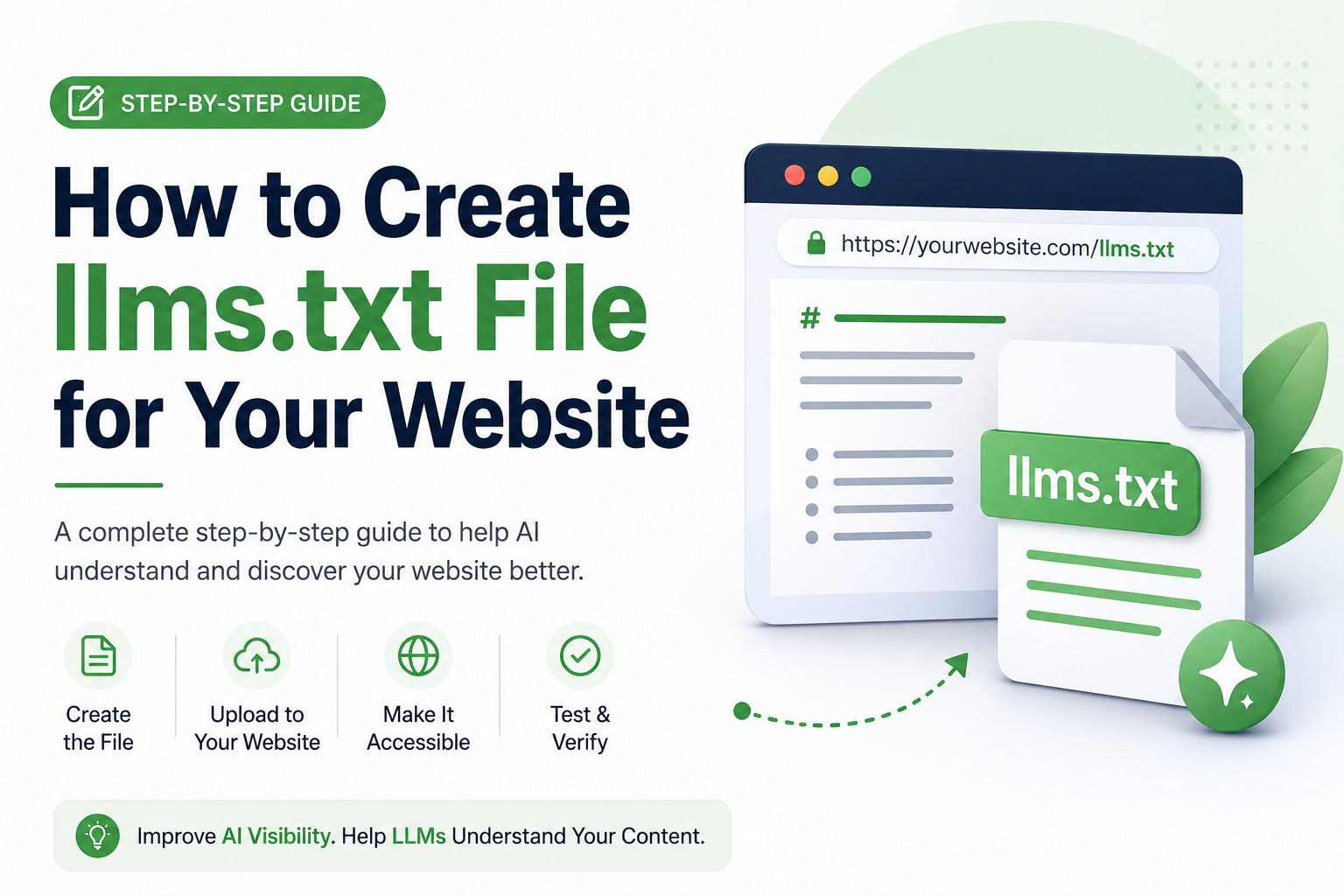
An llms.txt file is a small, plain-text file you place at the root of your website — the same place as your robots.txt — that tells AI language models which pages on your site matter most and what each one is about.
The concept was proposed in 2024 by Jeremy Howard, co-founder of Answer.AI. The logic is straightforward: AI models have limited context windows, meaning they can only process a finite amount of text at once. When a model crawls your site, it wades through navigation menus, cookie banners, JavaScript, and footer links before finding any real content. An llms.txt file cuts through all of that noise — it says, here are my best pages, here is what each one covers, please use this.
Simple analogy:
robots.txttells crawlers where they can't go. An llms.txt file tells AI models where they should go — and why those pages matter.
The file itself is written in plain Markdown. No plugins, no special hosting, no developers needed. Here is the simplest possible example:
# Your Website Name

> A one-sentence description of what your website does.

## Pages

- [Home](https://yoursite.com): What you offer and who you serve.
- [Services](https://yoursite.com/services): Full breakdown of your products.
- [Blog](https://yoursite.com/blog): Guides and tutorials for your audience.
- [Contact](https://yoursite.com/contact): Get in touch.
That's a valid llms.txt file. Upload it to your server root so it lives at yoursite.com/llms.txt and you're done.
Why does it matter in 2026?
Search behavior is fragmenting. A growing share of users now ask ChatGPT or Perplexity a question rather than typing into Google. When those AI tools answer, they pull from websites they understand clearly. If your site is wrapped in layers of JavaScript and your best content is buried, the AI either guesses at what you offer or skips you entirely.
This is the foundation of GEO — Generative Engine Optimization: making your website readable, credible, and useful to AI systems, not just to traditional search crawlers. An llms.txt file is one of the lowest-effort, highest-clarity steps you can take to help AI engines represent your brand accurately.
Honest note: No major AI provider — OpenAI, Google, Anthropic, Meta — has publicly confirmed that llms.txt directly boosts rankings or citation rates. The strongest confirmed use case today is developer tooling: AI coding assistants like Cursor and GitHub Copilot actively use the file to fetch documentation efficiently. That said, the file costs you nothing, takes minutes to create, and positions you ahead of competitors who will scramble to catch up if it becomes standard.
Step-by-step: how to create your llms.txt file
Step 1 — Go to GeoTools' free llms.txt generator
Head to geotools.live/llms-txt-generator. No login, no credit card. The tool is completely free and built for website owners who want a properly formatted file without writing code.
Step 2 — Paste your website URL
Enter your website address. The tool automatically scans your sitemap and discovers your pages — so you don't have to manually find and list every URL yourself.
Step 3 — Choose which pages to include
You'll see a list of discovered pages. Select the ones that represent your best, most useful content. Deselect thin pages, tag archives, and admin URLs. This curated selection is what makes your file useful — quality over quantity.
Step 4 — Generate and download the file
Hit generate. GeoTools produces a properly formatted llms.txt file following the official specification, with accurate Markdown structure and clean link descriptions ready to use.
Step 5 — Upload to your website root directory
Upload the file so it's accessible at yoursite.com/llms.txt. On most hosts this means dropping it into your public_html or www folder via your hosting control panel's file manager. WordPress users can use FTP or a file manager plugin. Ghost users can upload directly via the server or a deployment pipeline.
Step 6 — Verify it's live
Visit yoursite.com/llms.txt in your browser. If you see the plain text file rendering correctly, you're done. The whole process takes under 10 minutes.
What should go inside your llms.txt file?
Include these pages
- Homepage
- About / team page
- Core product or service pages
- Your best-performing blog posts
- Contact page
- Link to your sitemap (if you have one)
Skip these pages
- Tag and category archive pages
- Admin pages
- Privacy policy and terms of service (unless your audience specifically needs them)
- Thin pages with little content
- Paginated results pages
Write descriptions that actually work
The quality of your descriptions matters. Vague labels help no one. Compare these two approaches:
- ❌
[Services](https://yoursite.com/services): Information about our services. - ✅
[Services](https://yoursite.com/services): SEO, paid ads, and content strategy packages for e-commerce brands doing £500k–£5M in annual revenue.
The second version gives an AI model something specific and accurate to cite. Write it like you're briefing a journalist who knows nothing about your brand.
A real llms.txt example
# Bright Agency

> Full-service digital marketing agency helping e-commerce brands grow
> through SEO, paid ads, and content strategy.

## Core Pages

- [Home](https://brightagency.com): Services overview and client results.
- [SEO Services](https://brightagency.com/seo): Technical SEO and link building for e-commerce brands.
- [Case Studies](https://brightagency.com/case-studies): Real campaign results with measurable ROI.
- [Blog](https://brightagency.com/blog): Weekly guides on SEO, paid media, and conversion rate optimization.
- [About](https://brightagency.com/about): Team background and approach.
- [Contact](https://brightagency.com/contact): Free 30-minute consultation.

## Sitemap

- [sitemap.xml](https://brightagency.com/sitemap.xml)
llms.txt vs robots.txt — what's the difference?
| robots.txt | llms.txt | |
|---|---|---|
| Purpose | Controls crawler access | Guides AI understanding |
| Who reads it | All web crawlers | AI language models |
| Format | Key-value directives | Plain Markdown |
| Effect | Blocks or allows crawling | Helps AI prioritise content |
| Required by | Search engines (strongly) | No mandate yet |
| Time to create | 5 minutes | Under 10 minutes |
You need both. They serve completely different purposes and do not overlap.
Common mistakes to avoid
- Listing every URL. Your llms.txt is a curated editorial selection, not a second sitemap. Including 200 pages dilutes the signal. Aim for 10–30 of your genuinely best pages.
- Vague descriptions. "Our blog" tells an AI model nothing useful. "Step-by-step tutorials for Shopify store owners growing from £0 to £1M" tells it exactly who you serve and what you cover.
- Never updating it. When you publish new flagship content or restructure key pages, update your llms.txt. Treat it like a living document, not a one-time task.
- Creating indexable Markdown copies of every page. Some guides suggest generating individual
.mdfiles for each URL. If those files are indexable, they create duplicate content at scale — which actively harms your traditional SEO and, indirectly, your AI visibility.
What else can GeoTools help with?
Your llms.txt is one piece of the puzzle. GeoTools offers three more free tools alongside the generator:
- FAQ Generator — Turn any page into structured FAQ content AI tools love to cite. FAQs are one of the formats most frequently picked up in AI-generated answers.
- SEO Checker — Audit on-page SEO, technical signals, and keyword gaps in one report. Know exactly what's holding your rankings back.
- Cold Email Generator — Write outreach emails that get replies, not deleted.
All four tools are free. No account required.
Frequently asked questions
Does llms.txt improve my Google rankings?
No. Google has confirmed it does not use llms.txt for crawling or ranking. If your goal is higher Google positions, you need traditional on-page SEO. The file targets AI model comprehension, not search engine indexing.
Does it work with ChatGPT and Claude?
No major AI provider has publicly confirmed they read and act on llms.txt in their consumer products. The most confirmed use case today is AI developer tooling — coding assistants like Cursor actively use the file. That said, the effort is minimal and the upside if adoption grows is significant.
How often should I update my llms.txt?
Review it quarterly at minimum, and whenever you publish new cornerstone content, change key service pages, or restructure your site. Think of it like updating your LinkedIn profile — not daily, but not set-and-forget either.
Do I need a developer to do this?
No. The GeoTools generator handles the formatting automatically. The only technical step is uploading one file to your server root — something most hosting control panels let you do without any code.
What is llms-full.txt?
The companion format that contains your full site content in one Markdown document for deeper AI ingestion. Most websites only need the standard llms.txt. Documentation-heavy SaaS products may benefit from maintaining both.
Create your llms.txt file in under 10 minutes
Free. No login. No credit card. Scan your site, select your best pages, download your file.