Search has changed more in the past two years than in the previous decade. Google's AI Overviews, ChatGPT search, and Perplexity have rewritten the rules of visibility. Traditional SEO still matters — but if your website isn't also optimized for how AI models read and cite content, you're leaving a growing slice of traffic on the table.
The good news? You don't need to spend hundreds of dollars a month to know where your site stands. There are genuinely excellent free SEO checker tools in 2026 — and some of them now check for AI readiness too.
This guide breaks down the best ones, what each actually checks, and which tool is right for your situation. No fluff, no filler — just an honest comparison based on real features.
What to Look for in a Free SEO Checker Tool
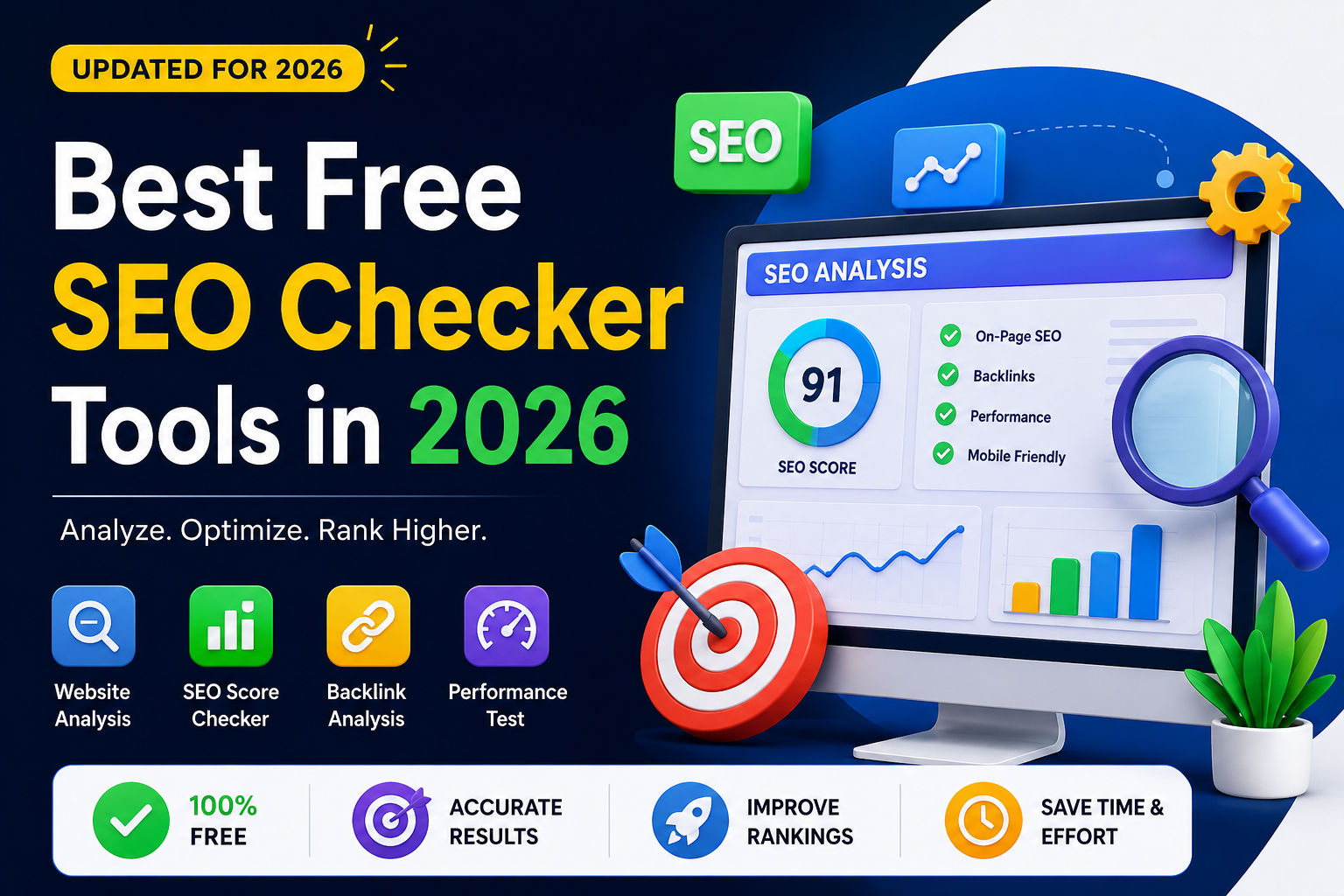
Before diving into the list, it helps to know what separates a useful free SEO checker from one that just tells you your page title is too long and calls it a day. The best free tools in 2026 check across four areas:
- On-page SEO — meta titles, meta descriptions, H1 and H2 tags, image alt text, canonical URLs, and content structure. These are the fundamentals that most checkers cover.
- Technical SEO — HTTPS status, crawlability, redirect chains, broken links, sitemap coverage, and page speed. This is where most hidden ranking problems live.
- Performance — Core Web Vitals, mobile-friendliness, and load time. Google has been factoring these into rankings for years and they are not going away.
- GEO / AI Readiness — Generative Engine Optimization (GEO) refers to how well your site is set up to be cited and referenced by AI models like ChatGPT, Perplexity, and Google's AI Overviews. A handful of tools now check for this specifically, and it is quickly becoming a must-have signal.
Pro Tip: Before choosing a tool, ask three questions — does it require a signup? Does it give you a downloadable report? Is the output in plain language you can actually act on, or is it a wall of technical jargon? These details matter more than they sound.
The Best Free SEO Checker Tools in 2026
1. GeoTools SEO Checker — Best for GEO + On-Page SEO in One Place
- URL: geotools.live/seochecker
- Cost: 100% free, no account needed
- Best for: Website owners who want fast on-page and AI readiness checks without any friction
GeoTools was built by a solo developer who was tired of overcomplicated tools built for agencies. The result is a lean, focused SEO checker that punches above its weight — especially if you care about being found in AI-generated answers.
What GeoTools SEO Checker Checks
- Meta title and description
- Canonical URL
- H1 and H2 tag structure
- Image alt text
- HTTPS status
- GEO readiness signals (AI discoverability)
- Overall SEO score out of 100
- Downloadable audit report
What makes GeoTools stand out is the combination of a free SEO audit with a broader GEO toolkit on the same platform. You can run your SEO check, then immediately generate an llms.txt file and an FAQ page — all without creating an account. For anyone trying to get their site ready for both Google and AI-powered search, this is the most efficient workflow available at zero cost.
The interface is straightforward: paste your URL, run the check, and within seconds you get a checklist with clear pass/fail indicators and a score. The downloadable report is a nice touch for freelancers or consultants who need to show clients what needs fixing.
What it doesn't do: It doesn't crawl your entire site or track rankings over time. It's a page-level checker, not a full site audit platform. But for most small to mid-sized website owners, that's exactly what they need.
Verdict: If you want a fast, free, no-login SEO check with AI readiness signals built in, GeoTools is the place to start.
2. SEOptimer — Best Free SEO Checker with GEO Grading
- URL: seoptimer.com
- Cost: Free for basic audits; paid plans from $19/month
- Best for: Freelancers and agencies who need a polished report with GEO scoring
SEOptimer has been a go-to free SEO audit tool for years, and in 2026 it has evolved to include explicit GEO and LLM readiness checks alongside its traditional SEO scoring. It checks your Google AI Search Rankings, LLM accessibility, identity signals, and citability — making it one of the more comprehensive free tools for the new era of search.
What SEOptimer Checks
- On-page SEO (meta tags, headings, content)
- Technical SEO (crawlability, redirects, schema)
- Performance (page speed, mobile)
- Backlinks and authority signals
- GEO / LLM readiness factors
- Social signals
The audit report is clean, well-designed, and easy to share. Free users get the core audit; paid plans unlock white-label PDF reports and bulk auditing — useful for agencies managing multiple clients.
Key Insight: While the basic audit is free without signup, some deeper features prompt you to register. It's not a dealbreaker, but it's worth knowing before you start.
Verdict: SEOptimer is the most feature-complete free SEO checker for users who want GEO signals alongside traditional SEO grading in a single report.
3. Semrush SEO Checker — Best for Depth, if You Can Handle the Signup
- URL: semrush.com/siteaudit
- Cost: Free tier available; paid plans from $139.95/month
- Best for: Marketing teams and SEO professionals who want enterprise-level depth
Semrush needs no introduction. Its free SEO checker returns an overall score, a prioritized to-do list, and a detailed breakdown covering meta tags, headings, keywords, backlinks, page speed, mobile-friendliness, Core Web Vitals, and social signals.
The depth is genuinely impressive. Semrush flags the kinds of technical issues that smaller tools miss — crawl budget problems, hreflang errors, orphaned pages, JavaScript rendering gaps. Its recommendations are specifically framed around how improvements help both traditional search rankings and AI search platforms.
Key Insight: You need an account to use Semrush. The free tier is limited in how many URLs you can audit per day, and it's clearly designed to funnel you toward a paid subscription. Solo website owners checking their own site occasionally will find the free tier sufficient; agencies auditing multiple clients regularly will hit limits fast.
Verdict: The most powerful free SEO checker available, but the signup requirement and free tier limits make it less accessible than pure no-login tools.
4. Backlinko SEO Checker — Best for Clean On-Page Analysis
- URL: backlinko.com/tools/seo-checker
- Cost: Free
- Best for: Content creators and bloggers who want straightforward on-page feedback
Backlinko's free SEO checker is exactly what you'd expect from a site known for clear, actionable SEO education. It focuses on on-page factors — title tags, meta descriptions, headings, keyword usage, content length, internal linking — and presents results in plain language that beginners can understand and act on immediately.
The 2026 version includes content quality signals and structured data checks, reflecting how search has evolved toward rewarding comprehensive, well-formatted answers.
What it skips: Deep technical SEO, backlink analysis, GEO readiness, and site-wide crawling. It's a page-level on-page checker — thorough at what it does, but narrow in scope.
Verdict: A great starting point for bloggers and content-focused site owners who want honest on-page feedback without the complexity.
5. SEOmator — Best Free Tool for Technical + GEO Combined
- URL: seomator.com/free-seo-audit-tool
- Cost: Free for basic audits; paid plans available
- Best for: Technical SEO users who want deep crawl data plus a dedicated GEO audit
SEOmator's free audit goes deeper on technical issues than most free tools — crawlability, indexability, HTTPS, redirect chains, broken links, status codes, page speed, HTML tag issues, social tags, content quality, duplicate content, orphan pages, and resource issues like oversized CSS and JavaScript files.
What's notable in 2026 is that SEOmator has added a dedicated free GEO Audit Tool alongside its traditional SEO audit. These run separately but can be used together to get a full picture of both your traditional and AI-search health.
Pro Tip: Run both the SEO audit and GEO audit back to back. The combined output gives you a side-by-side picture of your traditional rankings health vs. your AI citation readiness — something no single tool currently does in one pass.
Verdict: If you want the most thorough free technical SEO audit with a separate GEO audit option, SEOmator delivers on both counts.
6. W3Era SEO Analyzer — Best for PDF Reports with Zero Friction
- URL: w3era.com/seo-tools/website-seo-analyzer
- Cost: Free, no signup
- Best for: Anyone who needs a shareable, downloadable PDF audit report for free
W3Era's free SEO analyzer runs a solid audit covering on-page issues, meta tags, speed, mobile-friendliness, and backlinks — and crucially, it generates a branded PDF report you can download without creating an account. For freelancers who need to send clients a professional-looking audit without paying for SEOptimer's paid tier, this fills the gap nicely.
The analysis is thorough enough to surface common issues and the PDF output is clean and presentable. It doesn't go as deep on technical SEO as SEOmator or Semrush, and there's no GEO readiness scoring, but for a quick audit with a shareable deliverable, it delivers.
Verdict: The best free option if a downloadable PDF report is your primary requirement.
Quick Comparison: Best Free SEO Checker Tools in 2026
| Tool | Free & No Login | On-Page SEO | Technical SEO | GEO / AI Readiness | PDF Report |
|---|---|---|---|---|---|
| GeoTools SEO Checker | ✅ Yes | ✅ Yes | ⚡ Partial | ✅ Yes | ✅ Yes |
| SEOptimer | ✅ Basic | ✅ Yes | ✅ Yes | ✅ Yes | ? Paid only |
| Semrush | ? Signup required | ✅ Yes | ✅ Yes | ⚡ Partial | ❌ No (free) |
| Backlinko | ✅ Yes | ✅ Yes | ⚡ Partial | ❌ No | ❌ No |
| SEOmator | ✅ Basic | ✅ Yes | ✅ Yes | ✅ Separate tool | ✅ Yes |
| W3Era | ✅ Yes | ✅ Yes | ⚡ Partial | ❌ No | ✅ Yes |
What Is GEO and Why Does Your SEO Checker Need to Cover It?
Generative Engine Optimization — GEO — is the practice of optimizing your website to be cited in AI-generated answers, not just ranked in traditional search results.
When someone asks ChatGPT, Perplexity, or Google's AI Overviews a question, those systems don't show a ranked list of ten links. They synthesize an answer and attribute it to sources. The websites that get cited are the ones that are easy for AI models to parse, understand, and trust.
That means four things matter in ways they didn't before:
- Your llms.txt file — a plain-text file in your site's root that tells AI models which pages are most important and what your site is about. Think of it as robots.txt, but for large language models.
- Your FAQ structure — AI systems are built to answer questions. Pages structured as clear questions and direct answers get cited at significantly higher rates than long-form prose that buries the main point.
- Your schema markup — structured data (FAQ Page schema, Article schema, Organization schema) signals to AI models that your content is credible and well-organized.
- Your on-page clarity — AI models can't interact with JavaScript-heavy pages, pop-ups, or confusing site structures the way a human can. Clean, crawlable, well-structured pages get more AI citations.
Key Insight: In 2026, running an SEO check without also checking GEO readiness is like checking your Google rankings without checking mobile performance — you're getting an incomplete picture.
How to Run a Free SEO Check on Your Website (Step by Step)
Running your first SEO audit takes less than five minutes. Here's the process using GeoTools as an example, though the steps apply to any of the tools above.
- Pick the page you want to check. Start with your homepage or your highest-traffic landing page. These have the most to gain from improvements.
- Paste the URL. Open geotools.live/seochecker and drop your URL into the input field. No signup needed.
- Read the checklist, not just the score. A score of 72/100 means nothing on its own. Look at which specific items failed — a missing H1 tag, an empty meta description, images without alt text — and prioritize fixing those.
- Download the report. GeoTools generates a downloadable audit report. Save it so you can compare before and after once you've made improvements.
- Check GEO readiness. After fixing on-page issues, use GeoTools' llms.txt generator to create an AI-readable content index for your site, and the FAQ generator to build structured Q&A content that AI models can easily cite.
- Re-run the check. SEO is not a one-time task. After publishing new content or making site updates, run the check again to make sure nothing has broken.
Common SEO Issues Found by Free Checkers (and How to Fix Them)
What causes missing or duplicate meta titles?
Missing or duplicate meta titles occur when pages share the same title tag or have none at all. Your meta title appears as the clickable headline in Google results. Every page needs a unique one under 60 characters that includes your primary keyword. Fix it in your CMS's SEO settings or directly in the <head> of your HTML.
Do empty meta descriptions hurt SEO?
Google doesn't use meta descriptions as a direct ranking factor, but a compelling description improves click-through rates — which does affect rankings indirectly. Write one for every important page: 150–160 characters, action-oriented, and relevant to what's on the page.
Why does a missing H1 tag matter?
Every page should have exactly one H1 — your main heading. If your audit shows no H1 or multiple H1s, fix this first. It's the clearest signal to search engines about what your page covers.
Why do images need alt text for SEO?
Google cannot see your images without alt text. More importantly, alt text is an accessibility requirement. Add a short, descriptive phrase to every image that describes what it shows. Skip keyword stuffing — just describe the image accurately.
How does HTTPS affect search rankings?
If your site still runs on HTTP, search engines and browsers both penalize you for it. Most hosts offer free SSL certificates via Let's Encrypt. Enable it and redirect all HTTP traffic to HTTPS.
What is a canonical tag and why does it matter?
If the same content is accessible via multiple URLs (with/without trailing slashes, with/without www), Google may treat them as duplicate pages. A canonical tag tells search engines which version is the primary one, consolidating ranking signals correctly.
Which Free SEO Checker Should You Use?
Here's the simple decision guide based on your specific situation:
- You want zero friction and AI readiness checks → GeoTools SEO Checker. Paste your URL, get your results, done.
- You want a polished report with GEO scoring → SEOptimer. Best if you're happy to deal with a partial signup flow.
- You need the deepest possible technical audit → Semrush. Best if you don't mind creating an account.
- You're a blogger focused purely on on-page content → Backlinko SEO Checker. Clean and beginner-friendly.
- You need a free PDF report to send to a client → W3Era or GeoTools.
- You want thorough technical crawl data with a separate GEO audit → SEOmator.
Final Word
The best free SEO checker in 2026 is the one you actually use. A tool with thirty features you never open is less useful than a simple checklist you run once a month.
That said, the landscape has shifted in a way that matters: AI search is now a real traffic source, and optimizing for it is no longer optional for sites that want to stay competitive. Tools that check both traditional SEO signals and GEO readiness give you a more complete picture of your site's health than those that only look at meta tags and page speed.
Start with a free audit today. Fix the issues that come up. Then check your GEO readiness — because the websites showing up in ChatGPT and Perplexity answers in 2026 are the ones that took this seriously a year ago.
GeoTools is a free toolkit for website owners covering SEO audits, llms.txt generation, FAQ building, and cold email outreach. All tools are free with no account required. Try GeoTools free →