Cold email has gotten a lot harder. Not impossible. Not dead. Just harder. And the difference between people who get replies and people who don't isn't always the product they're selling or the list they're working with. A lot of the time, it comes down to how the email is written — and whether it actually sounds like a human being sent it.
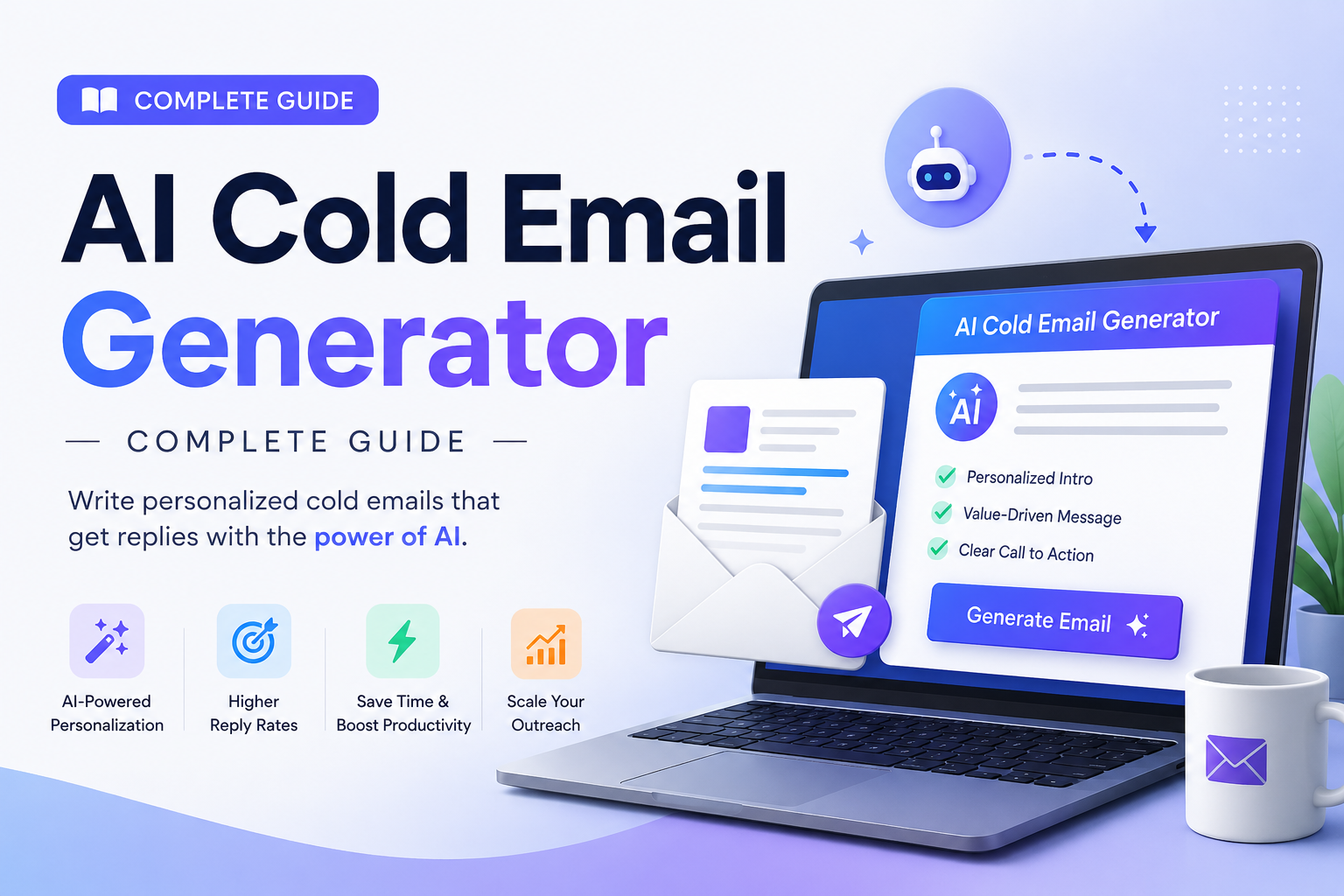
That's where AI cold email generators come in. Done right, they save you hours. Done wrong, they make you sound like every other robot filling up inboxes. This guide is about doing it right.
What Is an AI Cold Email Generator?
Not a template tool. Not a chatbot that fills in your prospect's first name. The good ones actually read context — your offer, your prospect's business, sometimes even their website — and use it to write something that feels relevant.
Think about the last cold email you opened. What made you open it? Probably something in the subject line that felt specific to you, not generic. Maybe you clicked because it mentioned something about your industry or your company. That specificity is hard to manufacture at scale manually. That's the job AI tools are supposed to do.
Key Insight: The best AI cold email generators pull real, live information from a prospect's website or LinkedIn profile — they don't just swap in a first name and call it personalization. That distinction is what separates a 1% reply rate from a 15% reply rate.
Here's what separates the useful tools from the glorified templates:
- Useful tools pull real information. They look at what a company actually does, what problems they talk about on their site, and what their messaging sounds like — then write something a prospect might actually pause on.
- Bad tools dress up a template. They swap in company names and job titles and call it personalization. Prospects see through this in about two seconds.
Why Cold Email Inboxes Are Such a Mess Right Now
Everyone got access to AI writing tools at roughly the same time. So what happened? Everyone's outreach started sounding the same — the same opener structures, the same "I noticed your company is doing X" hooks, the same overly polished emails that don't sound like any real person actually wrote them.
Buyers figured it out fast. They developed a kind of pattern recognition for AI-written cold email. It's smooth in a way that feels hollow. There's nothing wrong with it technically, but there's nothing real in it either.
At the same time, Gmail and Outlook started getting better at flagging bulk outreach. They don't just scan for spam words anymore — they watch how people actually behave with your emails. Low engagement, high unsubscribes, bad reply rates? Your domain takes a hit, and eventually your emails stop landing in primary inboxes at all.
Pro Tip: You can't just generate and blast. You have to generate and think. The AI does the draft. You do the editing. The combination is what actually works.
How AI Cold Email Generators Actually Work
Most AI cold email generators operate on a simple idea: give the AI context, and it produces an email. The context is everything.
Some tools ask you to fill out a form — your company name, what you do, the prospect's name, their company. Others go further and let you paste in a URL, and the tool reads the website itself before writing anything. That second approach consistently produces better emails because the tool is working with real information rather than whatever you summarize.
GeoTools is one of the free tools that does this — it actually scrapes the prospect's website and uses what it finds to personalize the output. Most free generators don't do that. Most paid ones don't do it automatically either.
Pro Tip: If you're using a tool that doesn't read the prospect's site, you need to do that research yourself and paste it in. The tool won't make up specificity — it can only work with what you give it. Always treat AI output as a first draft, not a finished email.
Anatomy of a Cold Email That Actually Works
Before you can evaluate whether an AI tool is doing its job, you need to know what a good output looks like. Here's the structure that works, and why each part matters.
Subject Line
Keep it short — five to seven words, maybe less. The goal is for it to look like something a real person would type, not a marketing headline.
- Bad: "Transform Your Revenue With AI Solutions"
- Better: "question about your pricing page"
- Best: "saw your piece on churn — quick thought"
Opening Line
This is the most important part of the whole email. It should be something that proves you looked at this specific company — not "I noticed you're in the SaaS space" (that's not proof of anything), but more like: "Saw you recently moved to usage-based pricing — that's a pretty big shift operationally."
The Middle (Connection)
Brief. Two, three sentences max. You're connecting what you noticed about them to why you're reaching out. You're not pitching yet — you're showing you understand their situation.
The Value Line
One sentence describing what you actually do and what outcome it creates. Specific outcomes beat vague promises.
- Works: "We've helped three usage-based SaaS companies reduce churn by 20% in the first year."
- Doesn't work: "We help companies grow."
The Ask
Small, clear, one question. "Would a quick call make sense?" Easy to say yes to. Easy to say no to — and that's fine. Pressure doesn't convert well in cold email.
Which AI Cold Email Tool Should You Actually Use?
The honest answer: it depends on where you are with your outreach. Here's a straightforward comparison of the main options available in 2026.
| Tool | Price | Scrapes Website | No Login Needed | Best For |
|---|---|---|---|---|
| GeoTools | Free | ✅ Yes | ✅ Yes | Freelancers, founders, agencies wanting real personalization |
| WriteMail.ai | Freemium | ❌ No | ✅ Yes | International outreach, 30+ languages |
| GravityWrite | Freemium | ❌ No | ❌ No | Teams needing a broader content toolkit |
| Snov.io | From $39/mo | ⚠️ Partial | ❌ No | Full outbound stack: leads + verification + sequences |
| Woodpecker | From $49/mo | ❌ No | ❌ No | High-volume sending with strong deliverability focus |
| Instantly | From $37/mo | ❌ No | ❌ No | Scaling volume across multiple inboxes |
Pro Tip: The path that works for most people — start with GeoTools or WriteMail, send a hundred emails, see what converts, then scale what's working using a paid platform once you have proof your messaging lands.
Email Deliverability — The Part Everyone Skips
You can write perfect emails and still get zero replies if your domain is flagged as a spam source. Here's the minimum setup you need before sending cold outreach at any meaningful volume.
SPF, DKIM, and DMARC Records
These are DNS settings that tell email providers your sending domain is legitimate. Without them, a lot of your email never reaches the inbox at all. Your domain host and email platform will both have guides — it takes about thirty minutes once.
A Separate Sending Domain
Don't send cold outreach from your main domain. Full stop. If something goes wrong — a spam complaint spike, a bad batch — you don't want it affecting the domain your whole business runs on. Set up a variation like getacme.com or acme.io and use that for outreach.
Domain Warm-Up
New domains that suddenly send two hundred emails a day look suspicious. Start with twenty to thirty a day and increase slowly over three to four weeks. Tools like Instantly and Smartlead have automated warm-up built in.
List Verification
Every bounced email hurts your sender reputation. Before you send to a list, run it through a verifier — NeverBounce, ZeroBounce, or the verification tool inside Snov.io. It's a small cost that prevents a lot of damage.
Reasonable Daily Limits
Even after warm-up, keep sends to two hundred or three hundred per day per inbox. If you need more volume, add inboxes — don't just increase the send rate on one domain.
How to Get Better Output From Any AI Cold Email Tool
The quality of the email you get out is almost entirely a function of the quality of what you put in. Here's what makes a material difference.
- Be specific about the problem you solve. "We help B2B companies grow" tells the AI nothing. "We help B2B SaaS companies reduce churn in the first ninety days after onboarding" is something it can actually use.
- Describe your best customers. Not your total addressable market — the ones who got results fast and renewed without needing to be pushed.
- Give it something real about the prospect. If the tool doesn't scrape websites automatically, paste in one paragraph from their homepage. That context is what makes the output specific.
- Specify the tone. "Conversational and direct, no corporate-speak" gives you a very different email than "professional and confident."
- Set the CTA explicitly. AI often defaults to vague asks. Tell it: "The ask should be one question — offer a fifteen-minute call, keep it casual."
Common Mistakes That Kill Cold Email Campaigns
These come up constantly with people who are doing almost everything right but still getting mediocre results.
- Writing too much. A cold email should be under a hundred and fifty words. Most should be closer to a hundred. Prospects skim — if your email looks like work to read, they move on.
- Starting with yourself. The opener shouldn't be about you, your company, your history, or your clients. Start with something you noticed about them.
- Using a vague value prop. If your pitch could describe fifty other companies, it doesn't stand out against any of them.
- Sending once and giving up. Most replies come from the second or third email in a sequence. Plan for at least three touches over two weeks.
- Not testing anything. Even small tweaks — a different subject line, a shorter ask — can double reply rates. Start testing on batch two.
A Practical Workflow to Get Started Today
Here's a process straightforward enough to start tomorrow.
- Pick fifty prospects. Not five hundred. People who match your best customer profile as closely as possible.
- Spend two minutes on each website. Find one specific thing — a recent announcement, a line from their about page that hints at a challenge.
- Generate your emails. Use GeoTools or your tool of choice. Paste in the URL, fill in your offer description specifically, generate, then read the output before sending.
- Edit for your voice. Change whatever sounds generic. Make sure the first line references something real about them.
- Set up your sending domain. Authentication records, warm-up period if it's new, separate from your main domain.
- Start sending at twenty a day. Watch open rates and reply rates. If subject lines aren't getting opens, change them. If opens are good but replies aren't coming, the problem is in the body.
- Iterate after fifty emails. You'll have enough data to see what's working. Double down on it.
Realistic Results to Expect
Benchmarks vary by industry, offer, and list quality — but here's a reasonable baseline for AI-personalized cold email in 2026.
| Metric | Personalized AI Outreach | Generic Mass Blast |
|---|---|---|
| Open rate | 40–55% | Under 20% |
| Reply rate | 5–15% | Under 1% |
| Positive reply rate | 2–8% | Under 0.5% |
| Meetings per 100 emails | 1–4 | 0–1 |
The difference between those two columns is almost entirely explained by one thing: personalization quality.
Where AI Cold Email Is Heading
The tools are getting better fast. Website scraping is already standard in the better free generators. The next round will likely include voice notes, video personalization, and smarter multichannel sequences that coordinate email, LinkedIn, and phone in a single automated flow.
But the underlying principle won't change: relevance wins. The tools help you be relevant faster. They don't create relevance out of thin air. That still requires knowing your customer, knowing their problem, and saying something that makes them feel understood.
The AI handles the writing. You handle the judgment. That split has worked pretty well so far.
Final Thoughts
Cold email works when it's relevant. It doesn't work when it's lazy. The AI tools available today — especially the free ones that can actually read a prospect's website — have made relevant outreach accessible to people who don't have a full sales team or a big budget.
Use them. But edit what they produce. Don't blast, test. Start small and learn before you scale.
If you haven't tried it yet, start with GeoTools Cold Email Generator. It's free, no account needed, and the website-scraping feature genuinely makes a difference in output quality. Paste in a prospect's URL, describe what you do clearly, and see what comes out.
Just remember to read it before you send it.