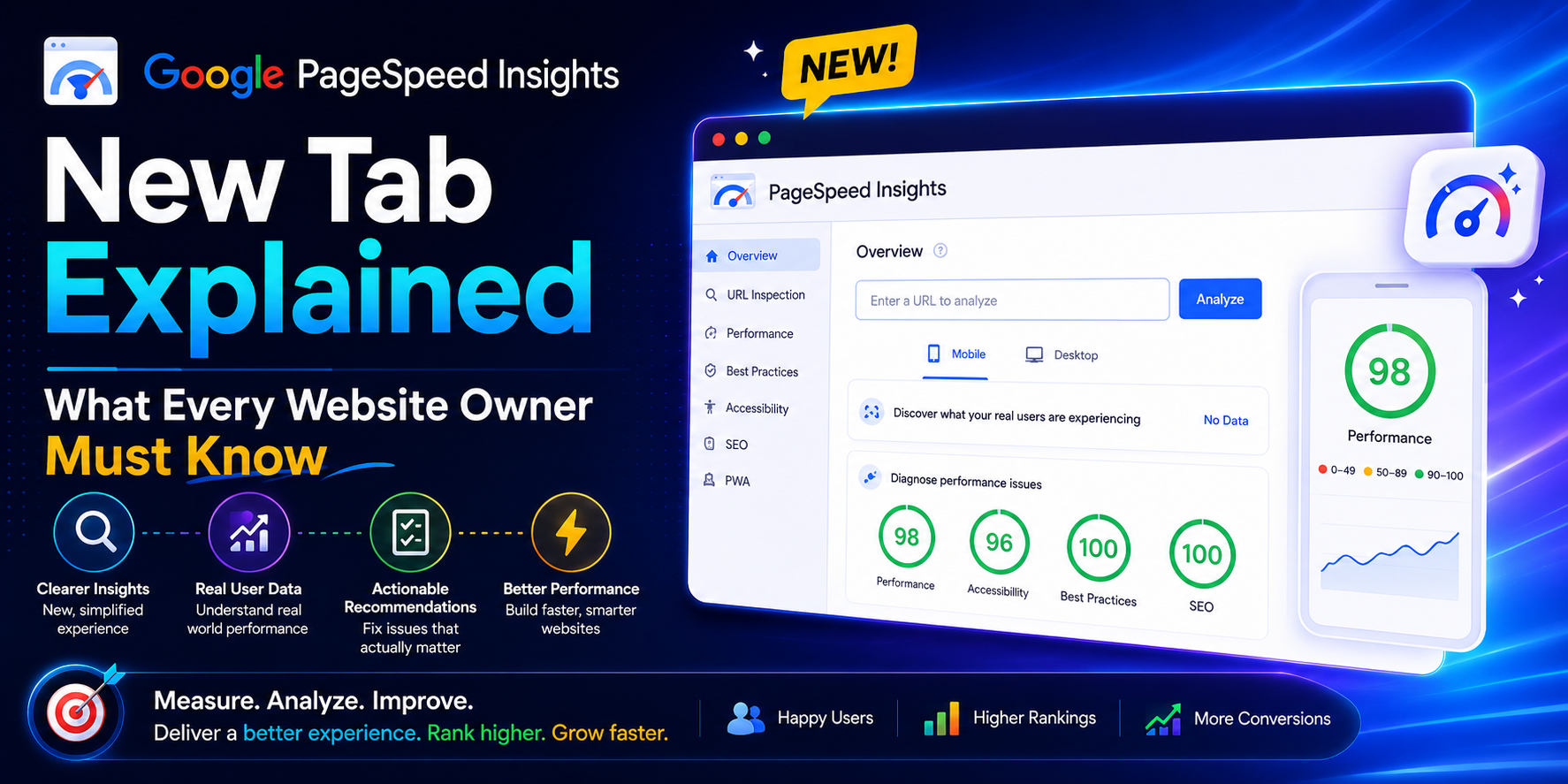
Run your site through PageSpeed Insights today and you'll probably spot something that wasn't there a couple of months ago. Right next to the familiar Performance, Accessibility, Best Practices, and SEO scores sits a fifth result: Agentic Browsing. No 0-100 number, no green gauge — just a ratio, like 3/3 or 2/3.
If you've never seen it before, you're not behind. It only started showing up widely in PageSpeed Insights reports around May 2026, and most site owners haven't noticed it yet. Here's what it actually is, why Google added it, and what — if anything — you need to do about it.
What Is This New Tab, Exactly?
PageSpeed Insights runs on an engine called Lighthouse. When Lighthouse gets a new feature, it eventually shows up everywhere Lighthouse runs — including the PageSpeed Insights tool millions of people check every day. In May 2026, Lighthouse 13.3 shipped with a brand-new category called Agentic Browsing, and PageSpeed Insights inherited it within a couple of weeks.
The idea behind it is simple: for most of the web's history, only two audiences mattered — humans looking at your page, and search crawlers indexing your text. Now there's a third. AI agents like ChatGPT's browsing mode, Google's own Project Mariner, Perplexity, and Anthropic's Computer Use are actively visiting websites, filling out forms, comparing prices, and completing tasks on someone's behalf. Agentic Browsing measures whether your site actually cooperates with them.
Key Insight: Traditional SEO asks whether your content deserves to be found and ranked. Agentic Browsing asks a completely different question: can software actually operate your site once it arrives? A page can score 100 on SEO and still fail every Agentic Browsing check.
Why There's No Score Out of 100
Every other Lighthouse category gives you a weighted score. Agentic Browsing doesn't, and that's intentional. Google has been upfront that the standards for how agents should interact with websites are still being written, so instead of ranking your site on a scale, it reports a straightforward pass/fail ratio across a small set of checks.
In PageSpeed Insights specifically, that ratio is built from three default audits:
| Check | What It Confirms | Why It Matters to an Agent |
|---|---|---|
| Accessibility tree | Interactive elements have valid names, roles, and relationships | Agents read this structured tree instead of "seeing" your page visually |
| Cumulative Layout Shift (CLS) | The page stays visually stable while loading | An agent that identifies a button and then watches it move will click the wrong thing |
| llms.txt | A valid summary file exists at your domain root | Gives machine readers a quick, plain-text overview of your site |
There's a fourth check, WebMCP, that shows up in the broader Lighthouse category but isn't part of the default PageSpeed Insights ratio yet. It checks whether you've explicitly registered actions — search, add-to-cart, book-a-table — as tools an agent can call directly. Unless you run a transactional or booking site, this one will usually read "Not Applicable," and that's completely normal.
Does This Affect Your Actual PageSpeed Score?
No. This is probably the single most important thing to understand about the new tab: your Performance score, the 0-100 number you're used to obsessing over, is calculated exactly the same way it always was. Agentic Browsing sits in its own section with its own pass/fail count. It doesn't factor into Performance, Accessibility, Best Practices, or SEO at all.
If your familiar scores shifted around the same time this new tab appeared, that's more likely normal variation in field data or one of Google's periodic methodology tweaks — not the new category quietly affecting things behind the scenes.
Is This a Ranking Factor?
Not officially, and not yet. Google hasn't said Agentic Browsing results influence search rankings. What it does tell you is where things are heading. A meaningful and growing share of traffic hitting websites right now isn't human at all — it's agents completing tasks on someone's behalf. Google building a way to measure that, however early, is a signal worth paying attention to even if you don't treat it as urgent today.
The Honest Priority Order
- Fix your accessibility tree first. This was already worth doing for actual human users on assistive technology, long before any agent showed up. It's also where most sites lose points.
- Get your layout stable. If you've already been chasing a good Core Web Vitals CLS score, you're most of the way there already.
- Add an llms.txt file. It costs almost nothing to publish and Lighthouse checks for it directly, even though there's no confirmed evidence yet that major AI providers are actually using it.
- Don't lose sleep over WebMCP. It's still an early, experimental protocol. Most sites, including large ones, will show "Not Applicable" here for a while, and that's fine.
What a Passing Site Actually Looks Like
None of this requires exotic engineering. Sites that already do the basics well — semantic HTML, labeled buttons and form fields, images with defined dimensions, minimal layout jank — tend to pass most or all of these checks without changing anything specifically for AI agents. That's really the point: Agentic Browsing isn't a new burden bolted onto your site. It's a new scoreboard for engineering fundamentals that were already worth getting right.
Pro Tip: Open Chrome DevTools, click any element in the Elements panel, and check the Accessibility tab beside it. That shows you exactly what an agent — or a screen reader — sees for that specific button, link, or field, one element at a time.
What To Do Right Now
- Run your homepage and your two or three most important pages (checkout, booking, contact forms) through PageSpeed Insights
- Note your Agentic Browsing ratio and which specific checks failed
- Fix accessibility issues first, since they carry the most weight and the most existing value
- Tighten up layout shift wherever it's still loose
- Publish a simple, valid llms.txt file at your domain root if you don't already have one
The Bottom Line
The new tab in PageSpeed Insights isn't a penalty, and it isn't something to panic over. It's an early, honest signal that the web now has two audiences instead of one, and that Google is starting to measure how well your site serves the second one. The sites that already do accessibility and performance right will pass most of these checks by construction. Everyone else has a clear, short list of fixes — and getting ahead of it now costs a lot less than catching up later.